 Brolly
 Content Manager (OpenText) integration
Sync your Brolly-captured social media records into OpenText Content Manager for record-keeping and compliance.
Add-on — The Content Manager integration is an optional extra on top of your Brolly plan. If you don't see it in your organisation's Brolly, email support@brolly.com.au or talk to your account manager to enable it.
If your organisation uses OpenText Content Manager (often still called TRIM) as its enterprise records management system, and policy says social media records belong there as well as in Brolly, the Content Manager integration is built for you. As the integration card puts it: capture social media and digital content directly from Brolly into Content Manager for record-keeping and regulatory compliance requirements.
How it works
Once enabled, the integration syncs records captured by Brolly into your Content Manager instance as individual records, rather than a bundled export file. Broadly, you can:
- Choose your sync model — manually select the posts and comments to send, or have new records synced automatically as Brolly captures them.
- Keep records current — synced records are updated as new comments and changes arrive.
- Decide where records live — you control where the social media records sit in your Content Manager structure.
Automatic sync covers records from the point it's switched on; historical records can be brought across using a standard export instead.
Getting started
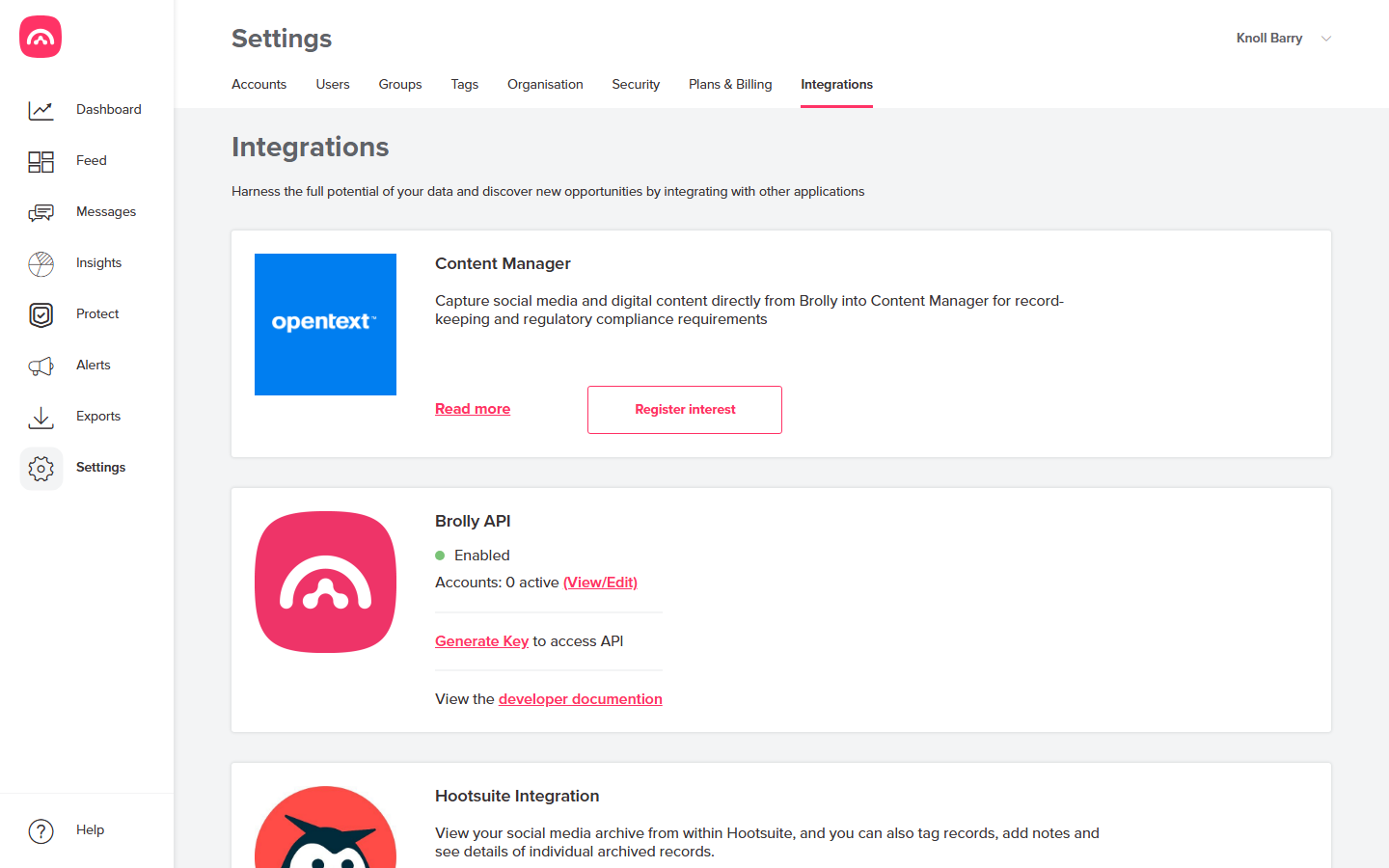
- Go to Settings → Integrations and find the Content Manager card.
- Click Read more for an overview, or Register interest to kick things off.
- The Brolly Support Team will follow up with some questions about your Content Manager instance and your preferred sync approach, then provide the documentation your team needs to configure the connection.
Enablement is handled with the support team rather than self-service, so registering interest — or emailing support@brolly.com.au — is the first step. If you can't see Settings, ask your Brolly administrator; managing integrations needs the right role.