 Brolly
 Exporting records for an FOI request
Build a filtered export of your records, download it, and schedule recurring exports for ongoing requests.
Exports turn your captured records into a portable package you can attach to an FOI response or file in your records system.
Create an export
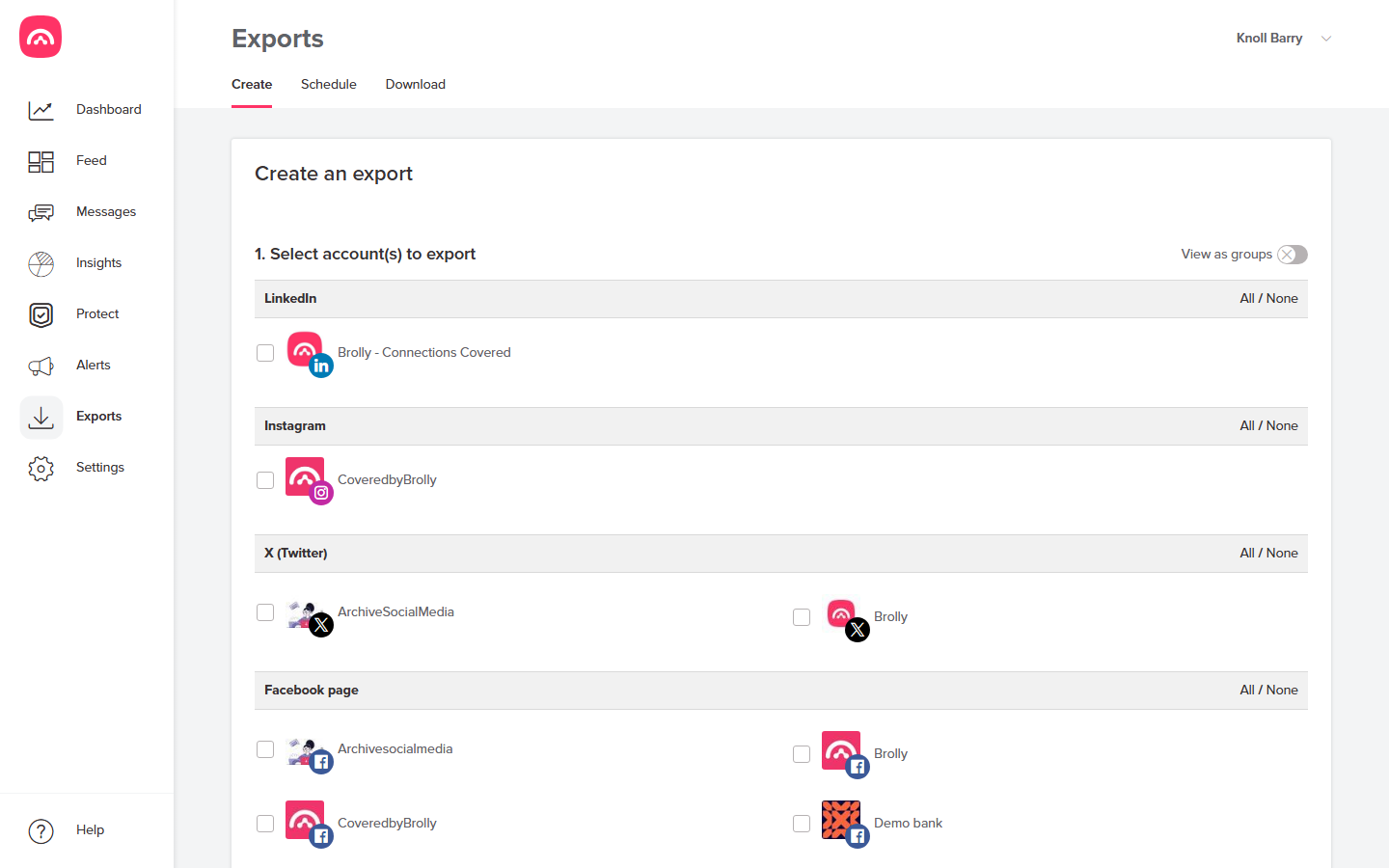
Go to Exports → Create and work down the form:
- Select account(s) to export — individually, or by platform (All / None per channel). If your organisation has the Groups add-on, you can switch on View as groups to pick a whole group at once.
- Time period — set a start and end date, or click a commonly used range (last 30/90/120 days, this or last week, month, quarter or year).
- Export source — Feed (public posts and comments) or Messages (private conversations); they're exported separately.
- Format — PDF, HTML, JSON or CSV; PDF suits most FOI responses.
- Name your export — use the FOI case number so the bundle is labelled.
- Optionally tick Include Insights Plus analytics (part of the Insights add-on), then click Generate.
Download it
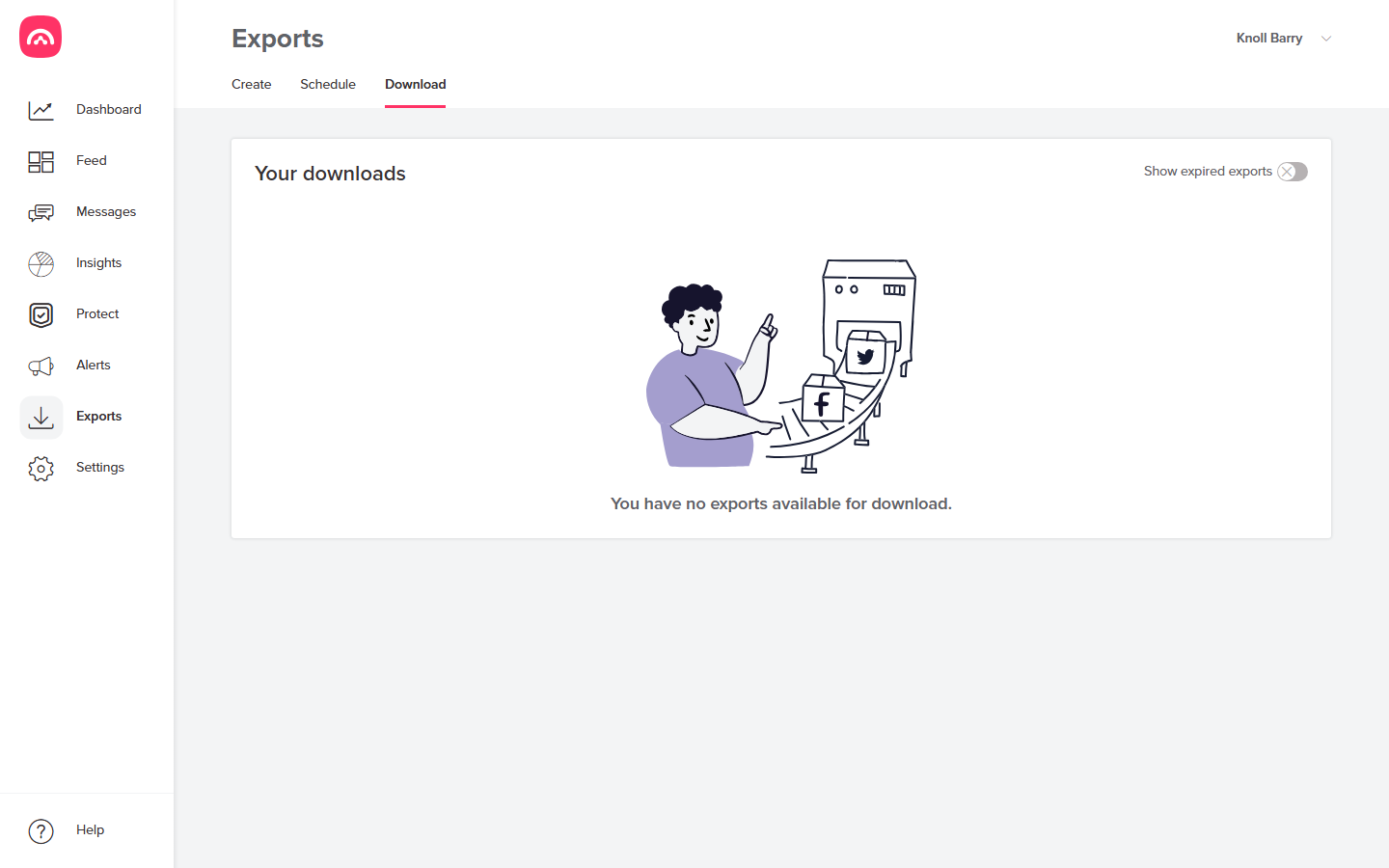
When the export is ready it appears under Exports → Download. Each record in the bundle carries its full metadata and capture timestamps, so the export stands up as an audit-ready copy of what was published.
Recurring requests
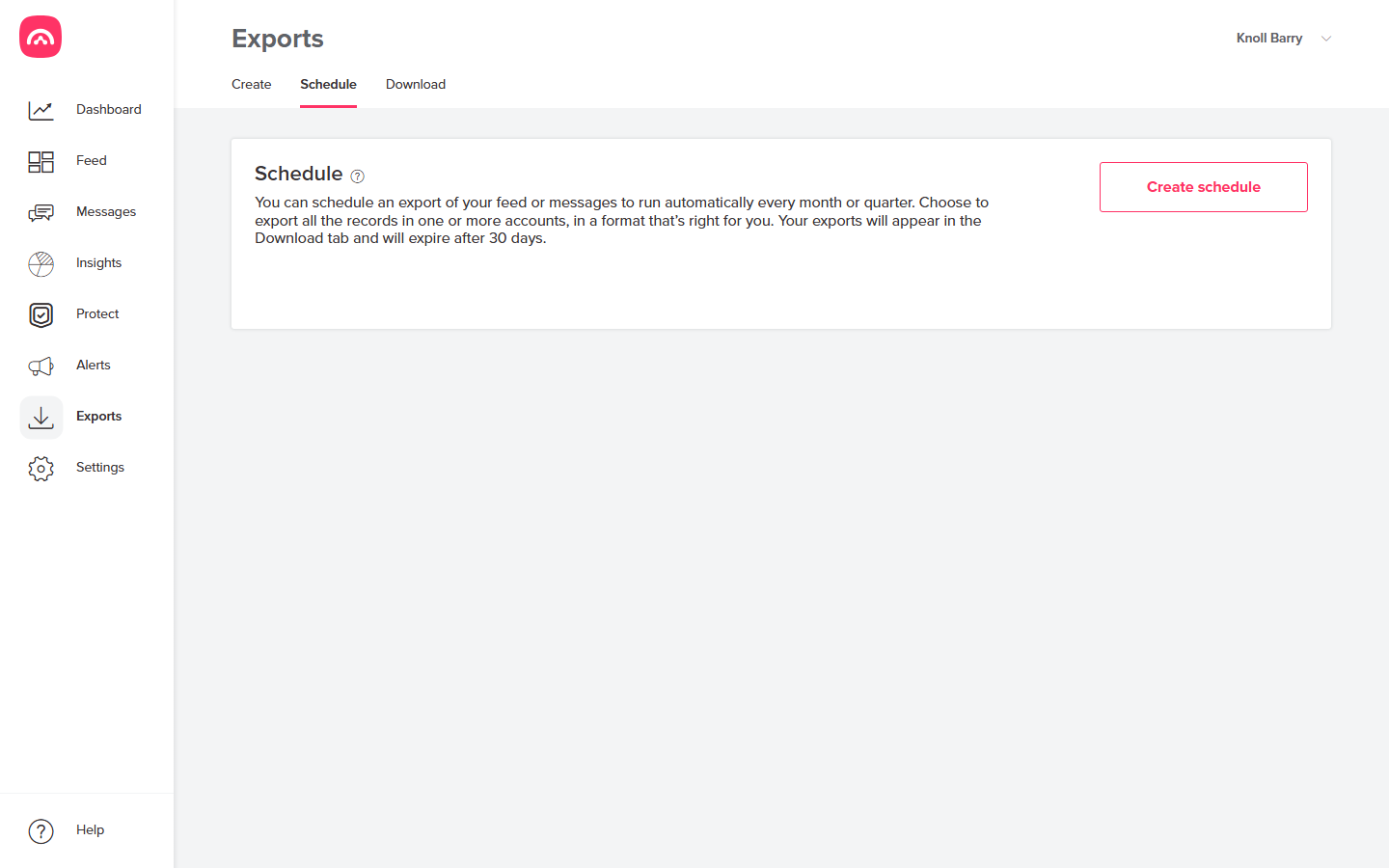
If you need the same export regularly — a monthly compliance snapshot, or a standing FOI arrangement — set it up once under Exports → Schedule and Brolly will produce it automatically.
Was this article helpful?