Help Centre
How can we help?
Guides for every part of Brolly, updated with every release.
The new Brolly
Everything you did in Brolly, plus the history behind it
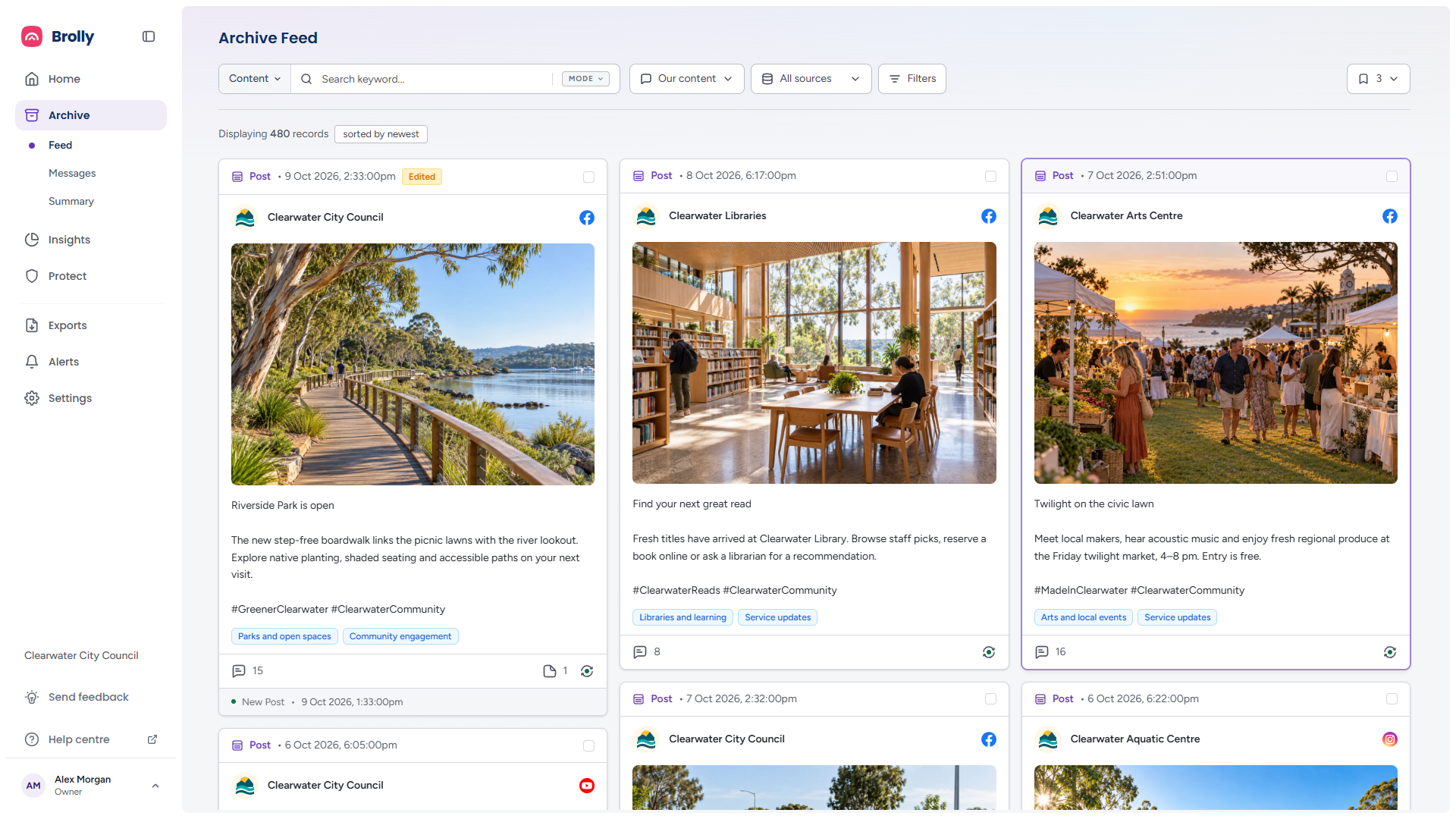
The same archive, redesigned around finding, reviewing and producing your records. Here is what has changed if you used the previous Brolly.
- Prove what a post said before it was edited, hidden or deleted
- Save the searches you run every week and reopen them in one click
- Hand over a PDF or CSV for an FOI request in five guided steps
Browse
Browse by topic
Getting Started
Set up your account and learn the basics of Brolly.
14 articles
Latest Releases
What changed in each Brolly release, newest first — the updates you will notice, in plain language.
Updated 12 October 2026
Archive
Browse, search, and manage all your captured social media content.
5 articles
Protect
Monitor and moderate harmful content with AI-powered detection.
Guides coming soon
Insights
Performance, publishing, engagement, sentiment, topics and hashtags across your accounts, with every figure traceable to the post behind it.
9 articles
Alerts
Keyword alerts that notify you when specific words or phrases are captured.
1 article
Exports
Download your social media data for reporting and compliance.
4 articles
Settings
Accounts, team, permission groups, tags, organisation, integrations, the activity log and your plan.
9 articles
Compliance and Records
Public records obligations, retention and legal hold, and answers to the questions records teams ask most.
3 articles
Troubleshooting
An account that stopped capturing, a page that will not connect, a missing Settings menu, sign-in trouble — and how to report an issue.
7 articles
Popular
Popular articles
What's New in BrollyThe new Brolly is live. Here is what changed from the old interface — every edit and version kept in view, smarter search, saved searches, guided exports, a real audit trail, and Insights that measure your social media for the first time.Signing InThe sign-in page step by step — email, password, the two-factor code, single sign-on — plus resetting a password, accepting an invitation, verifying your email and what the trial-ended page offers.Navigating BrollyThe sidebar and its sections, the page layout every section shares, and the controls you will meet everywhere — filters, tables, drawers and dialogs.HomeYour landing page: quick searches into the archive, saved shortcuts, your connected accounts and their health, headline figures and a history of what has been captured — and what to do with each.Your ProfileThe one page that is about you rather than your organisation: your name, email address and avatar, and where to change your password.What Brolly CapturesWhat a record is, what each one contains, how edits and deletions become versions, how far back capture goes, how often it runs, and why a few things look different from the platform.
Still need help?
Can’t find what you’re looking for? Our support team is a message away.