 Brolly
 Searching and filtering your Feed
Combine keyword search with account, type, action, media, tag and date filters to find any record fast.
The Feed holds every record Brolly has captured. The search bar and filters across the top are built for finding a specific record among years of history — stack them to narrow quickly.
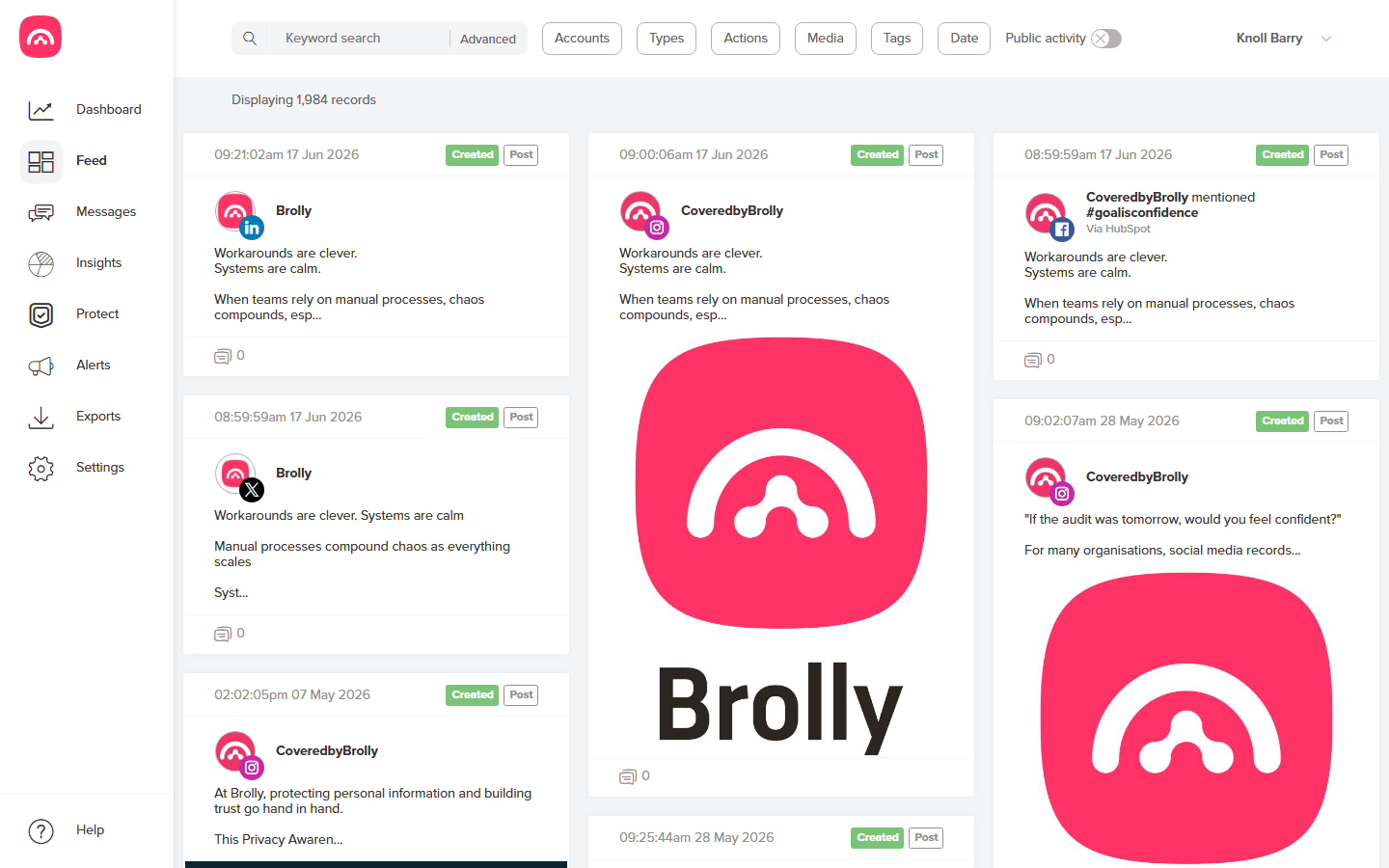
The filters
- Keyword search — matches the text of posts, comments and replies. Click Advanced for more precise queries (all/any/none of these words, exact phrases, hashtags, or a specific username).
- Accounts — limit to one or more connected social media accounts.
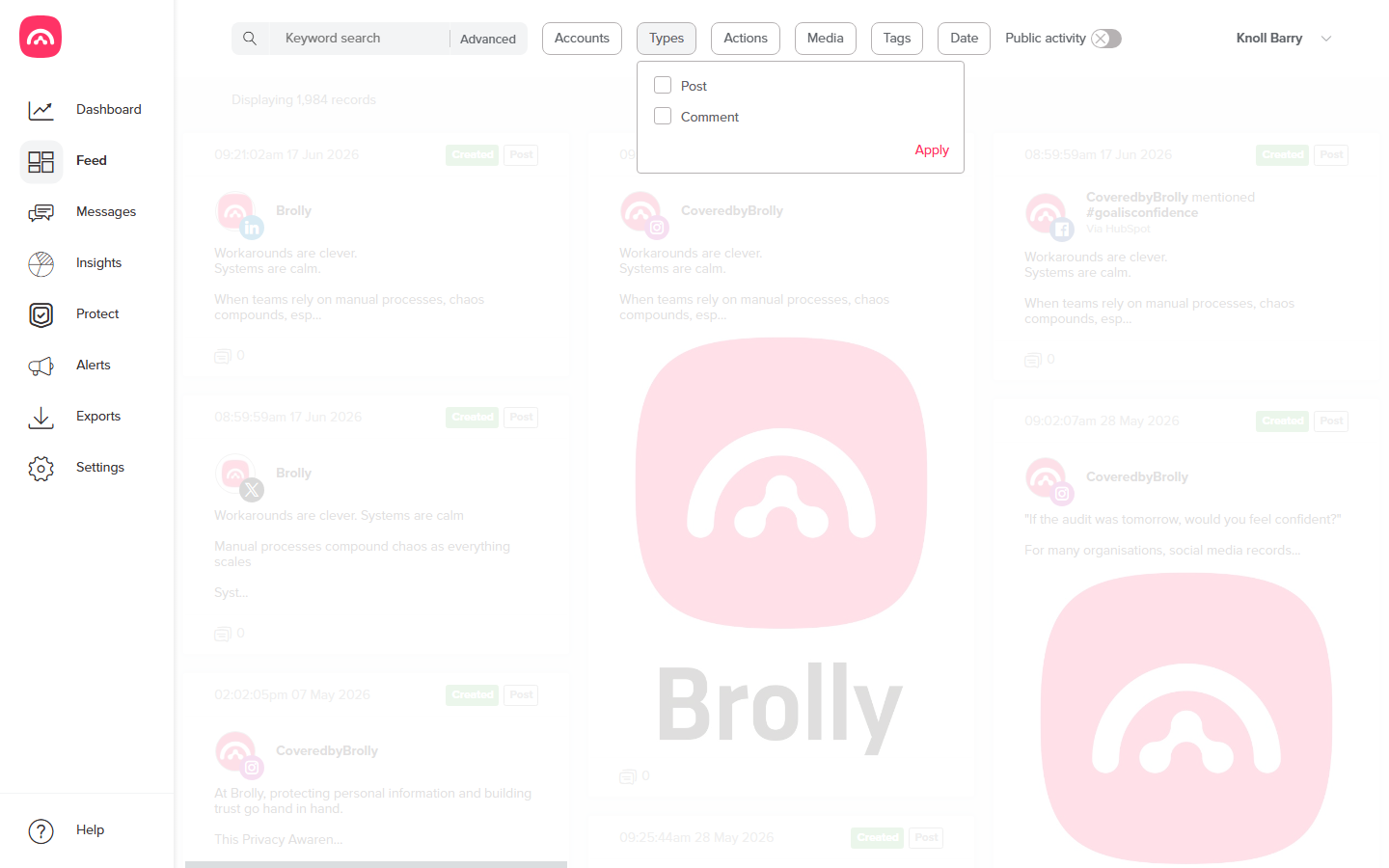
- Types — posts or comments.
- Actions — created, edited or deleted records.
- Media — records with images or video.
- Tags — records your team has tagged.
- Date — any range, from a single day to all time.
- Public activity — toggle inclusion of activity from the public, rather than your own accounts.
Useful combinations
- Account + date range — everything from one page in a reporting period.
- Keyword + date — coverage of a topic during a consultation window.
- Actions: deleted — surface records that were removed from the live platform.
When a search matches the scope of a records request, use Exports to turn it into an audit-ready bundle.
Was this article helpful?