 Brolly
 Connecting a LinkedIn page
Add your LinkedIn company page by pasting its URL — no sign-in needed; capture starts within 24 hours.
LinkedIn is one of the channels Brolly connects without a sign-in: you don't need admin access to the page — just its URL. Brolly sets up capture on its side.
Add the page
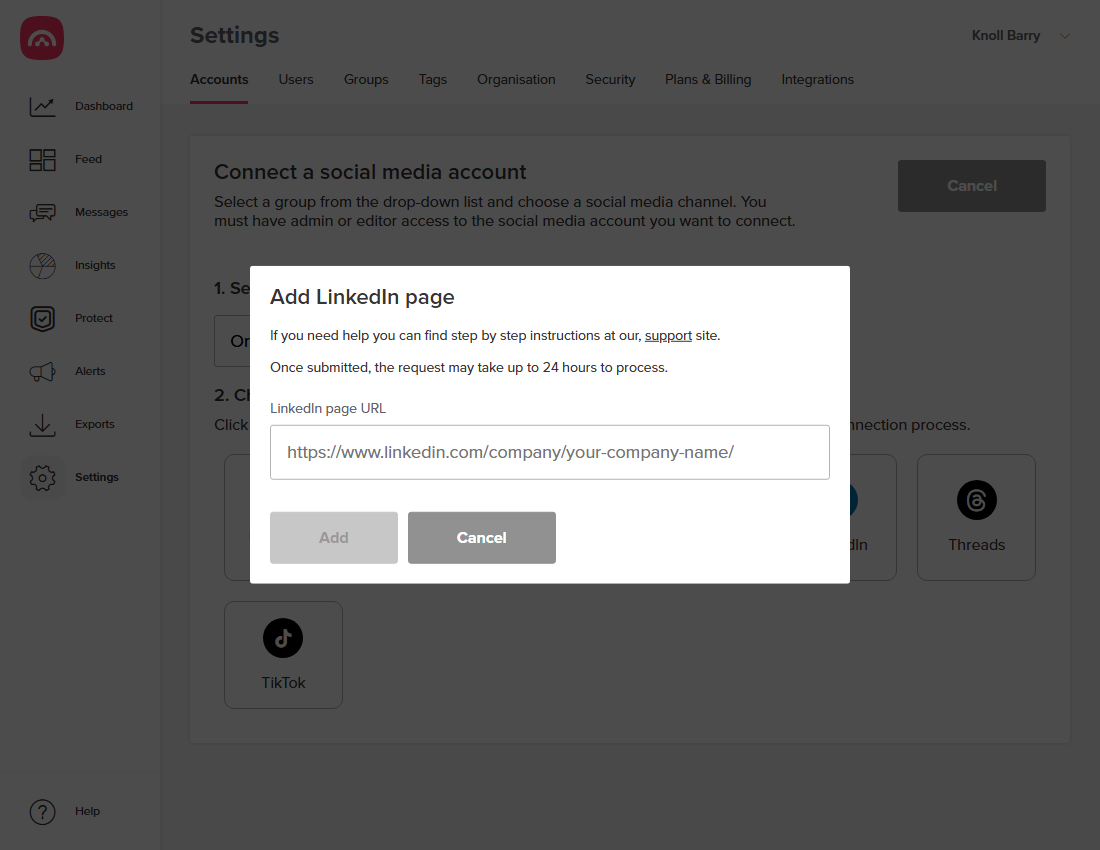
- Go to Settings → Accounts and click Add accounts.
- Select a group, then choose LinkedIn.
- Paste the page URL — it looks like
linkedin.com/company/your-company-name/. - Click Add.
What happens next
The request can take up to 24 hours to process. Once live, the page shows under Settings → Accounts with status Active, and posts and comments land in your Feed.
Good to know
- Because there's no sign-in, LinkedIn connections don't rely on access tokens, so they don't go On hold the way Facebook or Instagram can.
- LinkedIn is often where an organisation's most senior communication happens — announcements, recruitment, executive posts — and it's as much a public record as any other channel.
Was this article helpful?