 Brolly
 Your Brolly Feed
The Feed shows every record captured from your connected accounts, newest first, with search and filters to find anything quickly.
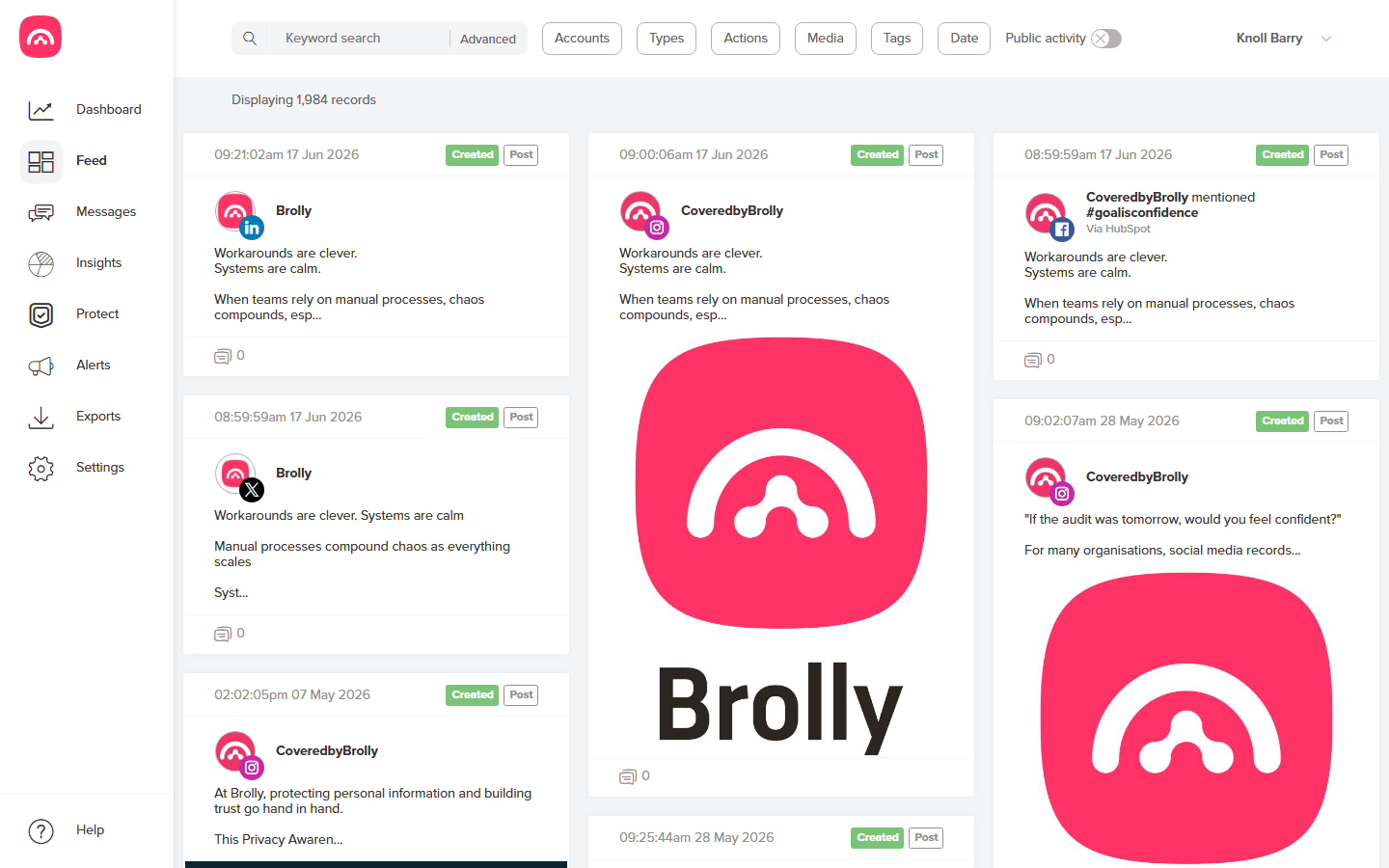
The Feed is where you see everything Brolly has captured from your connected social media accounts. Click Feed in the left-hand sidebar and your records appear as a scrolling list, newest first.
If nothing is showing yet, you may not have connected an account — see Connecting your first social media account.
What each card shows
Every card in the Feed is a single record. At a glance you can see:
- The capture timestamp — when Brolly archived it.
- An action badge — Created, Edited or Deleted. Edits keep both versions, and deleted content stays in your archive.
- A type badge, such as Post.
- A comment tally showing how much discussion the item attracted.
Finding things in the Feed
The Feed has a search bar with an Advanced option, plus filters for Accounts, Types, Actions, Media, Tags and Date. There's also a Public activity toggle. For a full walkthrough, see Searching your archive.
The Dashboard: your summary view
While the Feed shows individual records, the Dashboard gives you the big picture: total records, your monthly average over the last 90 days, the number of connected social accounts, an activity chart with 1m/3m/6m/1y/All ranges, and an accounts table showing records per channel.
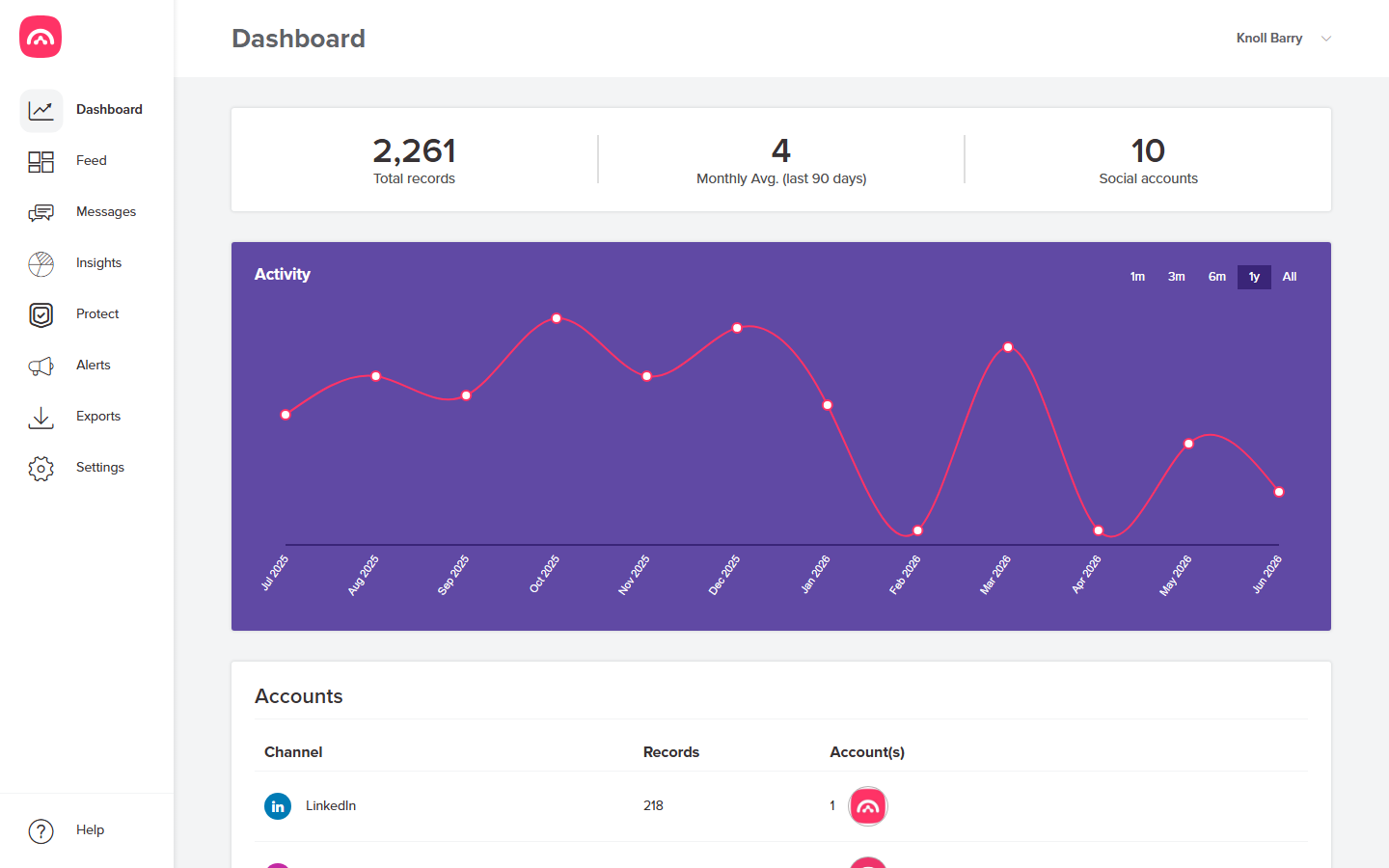
A good habit: check the Dashboard for overall health, then drop into the Feed when you need a specific record.