 Brolly
 Connecting an X (Twitter) account
Add your X account by submitting its @handle — no sign-in needed; capture starts within 24 hours.
X (formerly Twitter) is one of the channels Brolly connects without a sign-in: you don't need the account's password — just its handle. Brolly sets up capture on its side.
Add the account
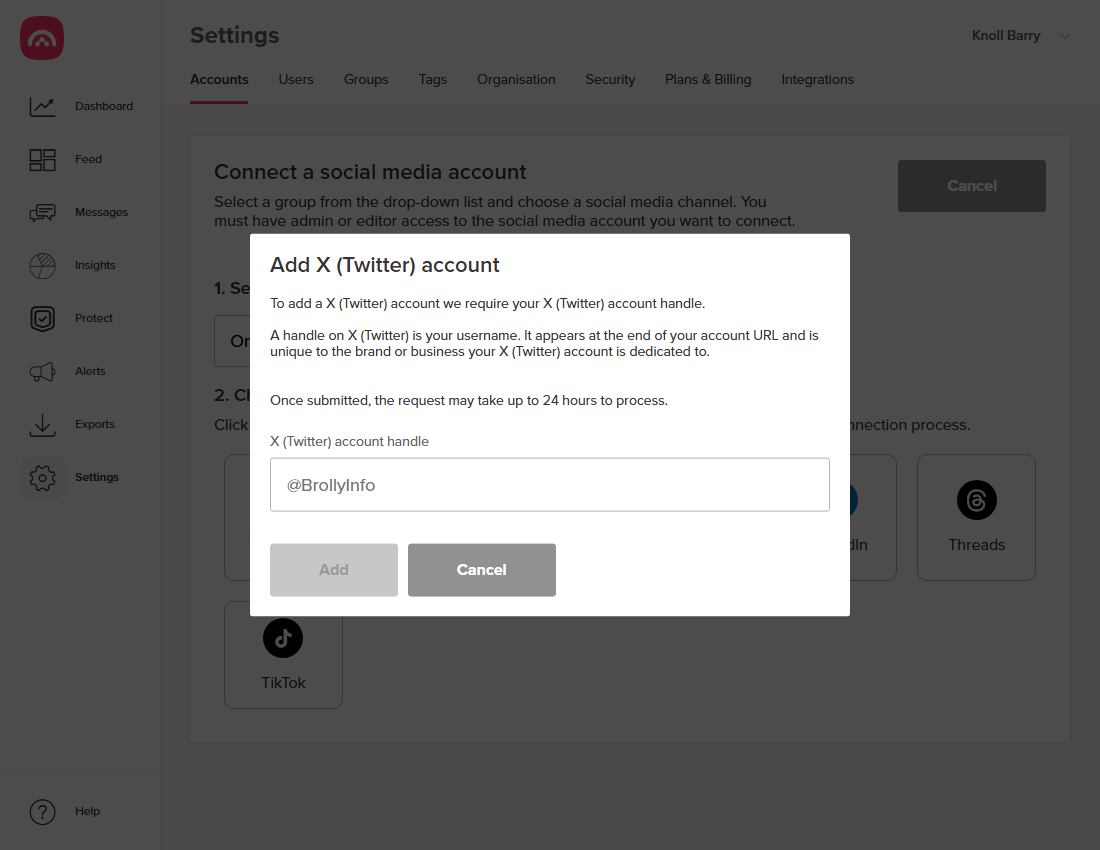
- Go to Settings → Accounts and click Add accounts.
- Select a group, then choose X (Twitter).
- Enter the account's handle — the username at the end of the account's URL, like
@BrollyInfo. - Click Add.
What happens next
The request can take up to 24 hours to process. Once live, the account shows under Settings → Accounts with status Active, and posts and replies — including content later edited or deleted — land in your Feed.
Good to know
- Because there's no sign-in, X connections don't rely on access tokens, so they don't go On hold the way Facebook or Instagram can.
- X's third-party access rules have shifted over the years — if you notice anything unusual about your X capture, email support@brolly.com.au and we'll check it from our side.
Was this article helpful?