 Brolly
 Connecting your first social media account
Authorise Facebook, Instagram, LinkedIn, X or YouTube so Brolly begins capturing your organisation's records automatically.
Brolly starts archiving the moment a social media account is connected. You only need to do this once per page or account, and it takes about five minutes.
Before you start
- Your Brolly user needs permission to manage accounts. If you can't see the Settings tab, ask your organisation's Brolly owner.
- For Facebook, Instagram, Threads and TikTok you'll also need to be an admin of the page or account — those platforms connect with their own sign-in. X, YouTube and LinkedIn don't need a sign-in at all (more below).
Connect an account
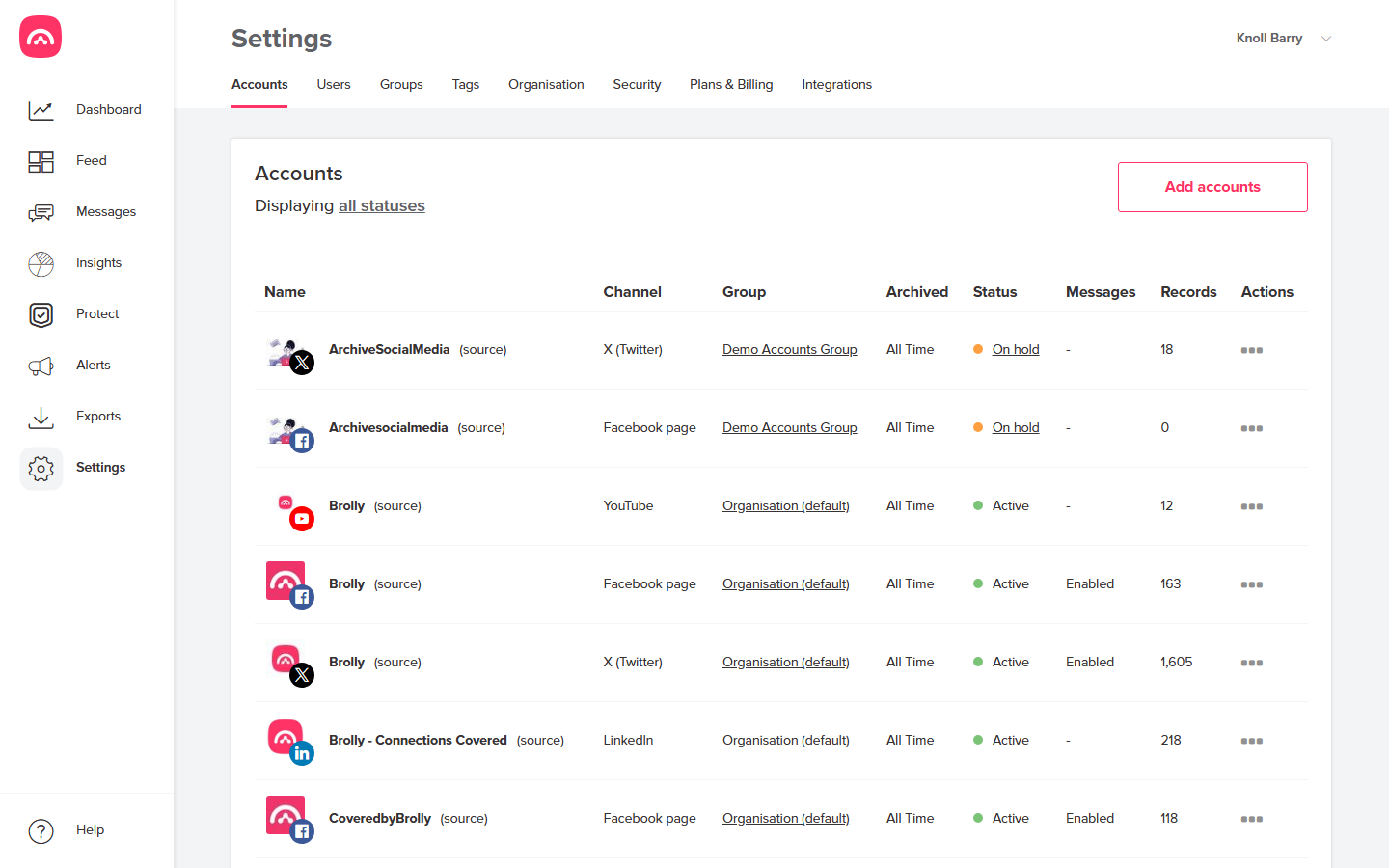
- Go to Settings → Accounts and click Add accounts.
- Select a group, then choose the platform. What happens next depends on the platform — there are two kinds of connection:
Sign-in platforms — Facebook, Instagram, Threads, TikTok
A sign-in window pops up (allow pop-ups if your browser blocks it). Sign in with the account that manages the page and approve the permissions Brolly requests — these are read-only; Brolly never posts on your behalf. The account then shows as Active and capture begins straight away.
- Connecting a Facebook page
- Connect an Instagram account
- Connect a Threads account
- Connecting a TikTok account
No-sign-in platforms — X, YouTube, LinkedIn
No password needed: you just submit the account's handle or URL in a small window inside Brolly (the @handle for X, the channel URL for YouTube, the page URL for LinkedIn) and click Add. Brolly sets up capture on its side, which can take up to 24 hours to process — the account shows as Active once it's live.
What happens next
Capture begins straight away for new activity (or within 24 hours for the no-sign-in platforms), and Brolly backfills the account's history. Records appear in your Feed within minutes; a large backfill can take a few hours depending on volume.
You can connect as many accounts as you need — Brolly plans don't limit the number of connected social media accounts.