 Brolly
 Connecting a TikTok account
Archive your organisation's TikTok — videos and comments — by connecting it under Settings → Accounts.
More government and enterprise teams are publishing on TikTok — and its content is subject to the same record-keeping obligations as every other channel. Brolly supports TikTok capture.
Before you start
- You need the sign-in for the TikTok account (or admin access to it).
Connect the account
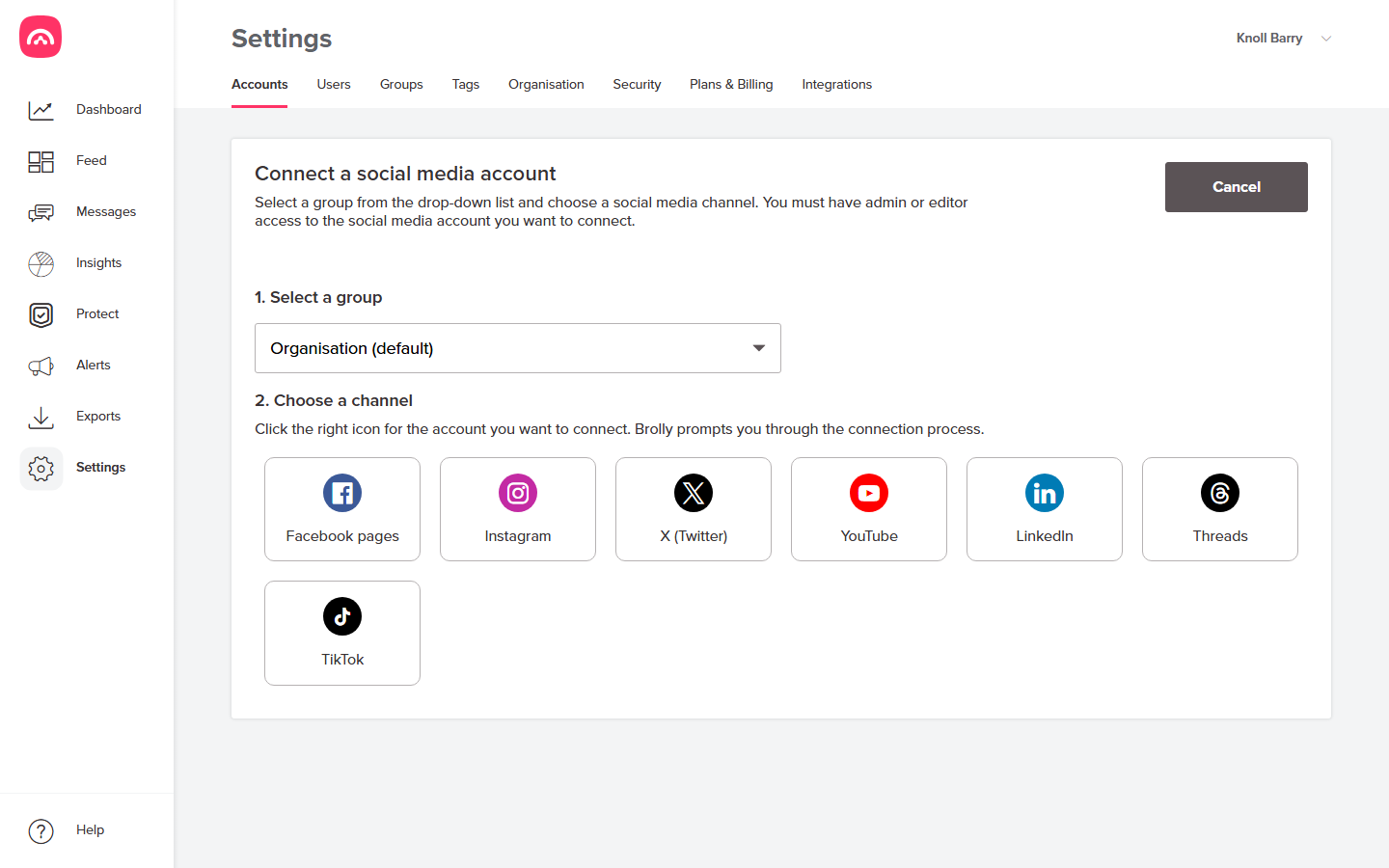
- Go to Settings → Accounts and click Add accounts.
- Select a group, then choose TikTok. A TikTok sign-in window pops up (allow pop-ups if your browser blocks it):
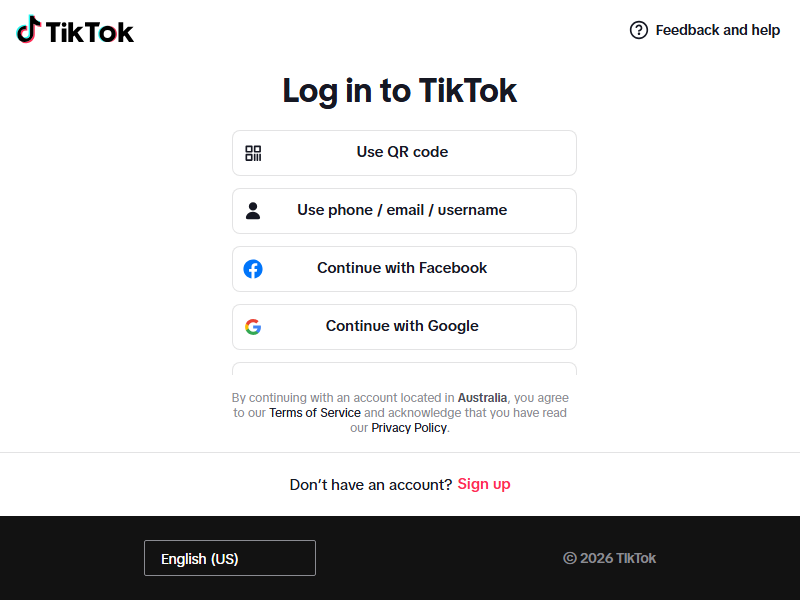
- Sign in with the TikTok account and approve the access request — read-only, as with every Brolly connection. The pop-up closes and you're back in Brolly.
Afterwards
The account appears under Settings → Accounts with status Active, and captured records show in your Feed. As with other platforms, if the connection lapses the status shows On hold — reconnect in a minute.
Was this article helpful?