 Brolly
 Using the Brolly API
Pull your archived records into your own systems with the Brolly API — enable it and generate a key under Settings → Integrations.
Add-on — The Brolly API is an optional extra on top of your Brolly plan. If you don't see it in your organisation's Brolly, email support@brolly.com.au or talk to your account manager to enable it.
If your organisation wants archived social media records flowing into its own systems — a records platform, a data warehouse, a dashboard — the Brolly API gives you programmatic access to your archive.
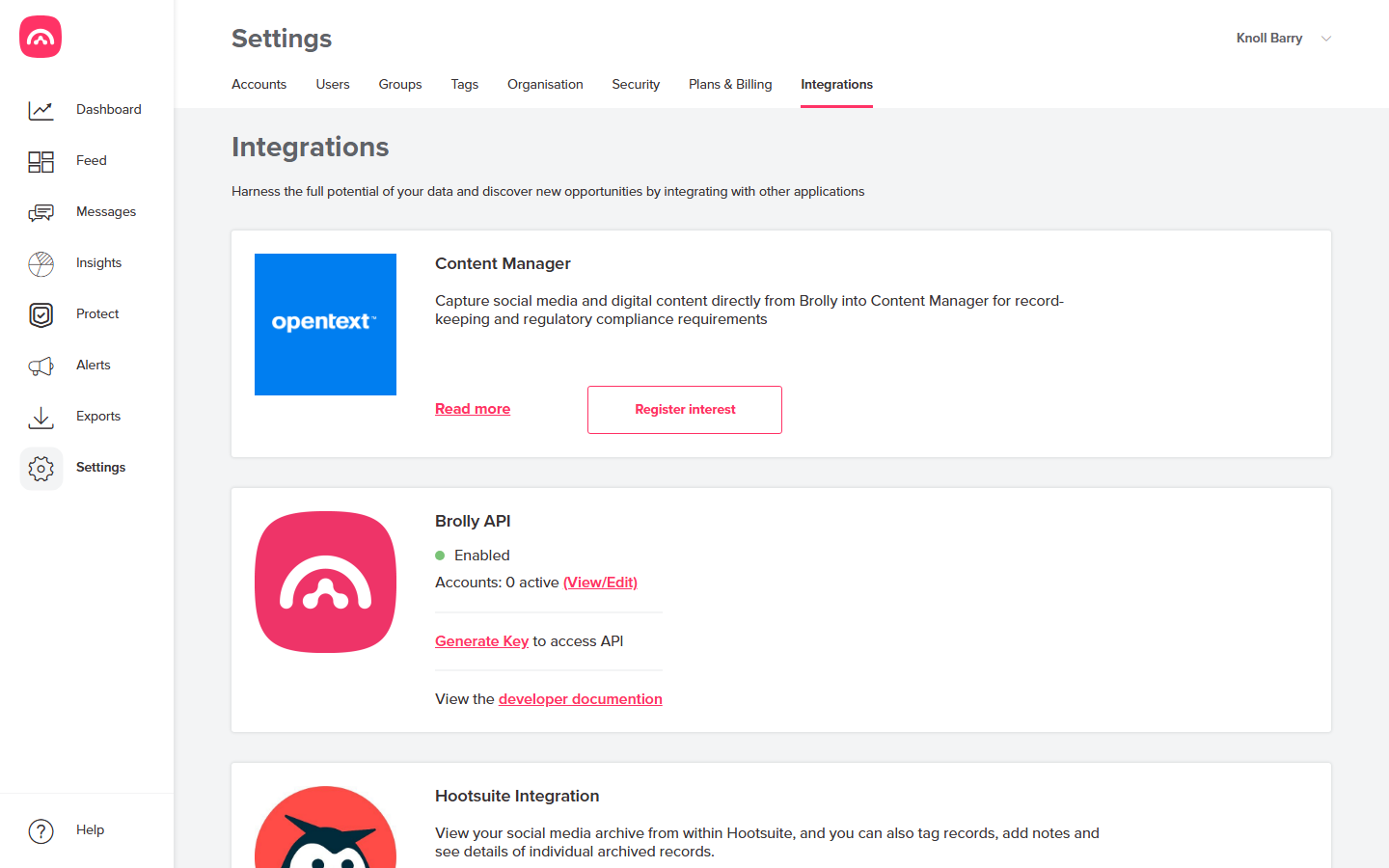
Enabling it
- Go to Settings → Integrations and find the Brolly API card.
- Click Generate Key to create an API key for your developers.
- Choose which connected accounts the API can access via View/Edit on the card.
For your developers
The card links to the developer documentation, which covers authentication and the available endpoints. Treat the API key like a password — anyone holding it can read the records it's scoped to.
When to use the API vs exports
- Recurring, automated delivery into another system → the API (or a scheduled export).
- One-off bundles for an FOI request or audit → a standard export.
- Filing into OpenText Content Manager specifically → see the dedicated Content Manager integration.
Was this article helpful?