 Brolly Help
Capture Instagram Stories in Brolly
How to make sure Instagram Stories are archived, including reconnecting older Instagram connections.
Instagram Stories disappear from Instagram within 24 hours unless they're saved as highlights — but they can still be captured as records in Brolly, so your organisation keeps a compliant copy of everything you publish.
New connections
Instagram accounts connected to Brolly recently capture Stories as part of normal record capture. Once your account is connected and Active, Stories are archived automatically and appear in your Feed alongside posts and comments.
Older connections may need a reconnect
If your Instagram account was connected some time ago, the original connection may not include the permissions needed to capture Stories. Refreshing the connection fixes this:
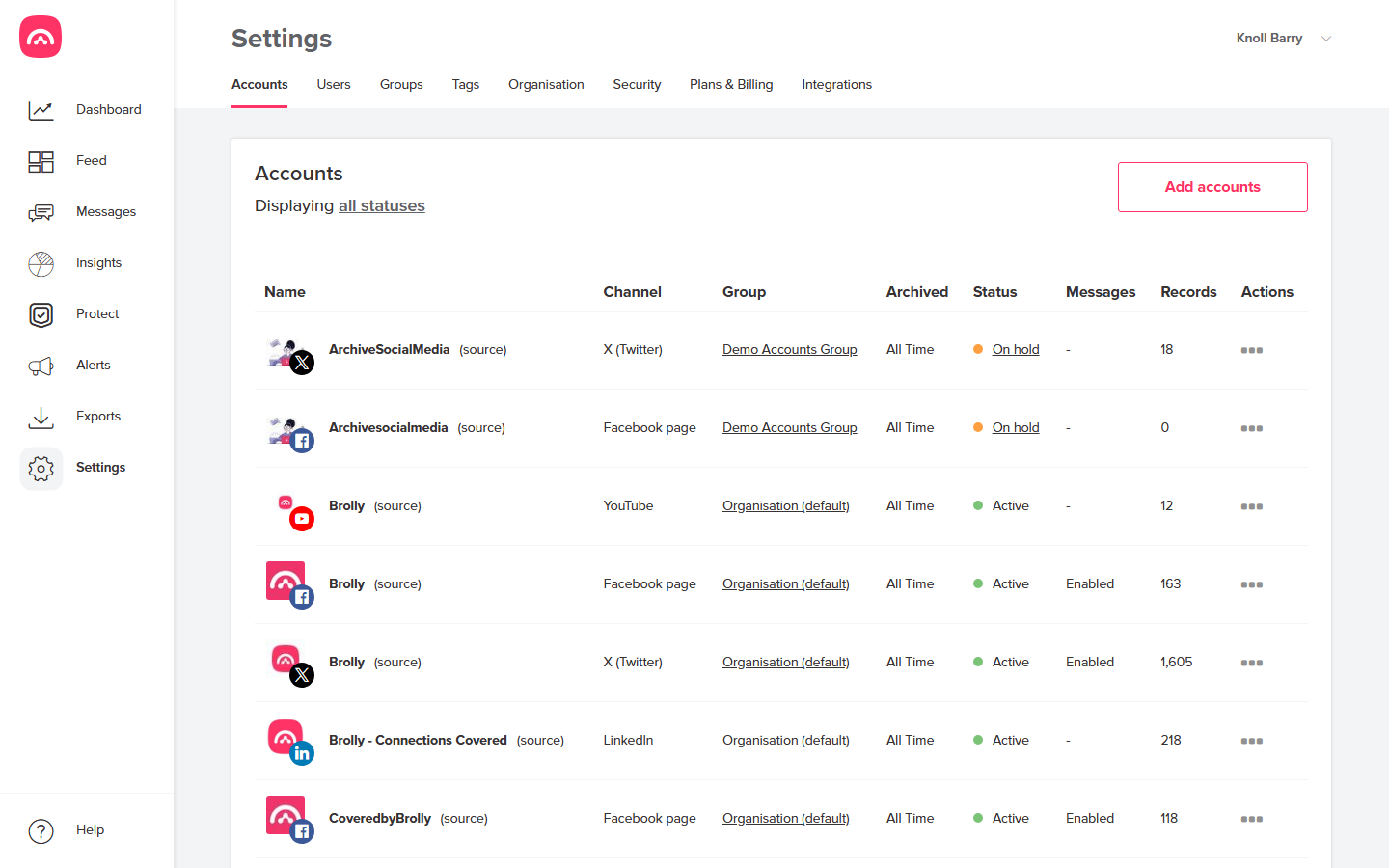
- Go to Settings → Accounts and find the Instagram account in the table.
- Open the actions menu (⋯) for the account and place the account on hold. Brolly asks you to confirm; existing records are kept safely.
- The account's status changes to On hold.
- Open the actions menu (⋯) again and choose to reconnect. Sign in with the account that has admin access to the Instagram account — the platform walks you through granting Brolly read-only access.
- The status returns to Active, and Stories are now captured.
You need sufficient permissions in Brolly to manage accounts — if you can't see Settings, ask your Brolly administrator (see Users, roles and permissions).
If Stories still aren't appearing after a reconnect, contact us at support@brolly.com.au.