 Brolly
 Connecting a Facebook page
Archive your organisation's Facebook page — posts, comments and reactions — by connecting it in a few clicks.
Brolly captures your Facebook page's posts, comments and replies — including edits and deletions — from the moment you connect it.
Before you start
- You must have admin or editor access to the Facebook page, through your personal Facebook login.
- A brand-new page can take a little while before Facebook allows third-party tools to connect — see this troubleshooting guide if yours won't appear.
Connect the page
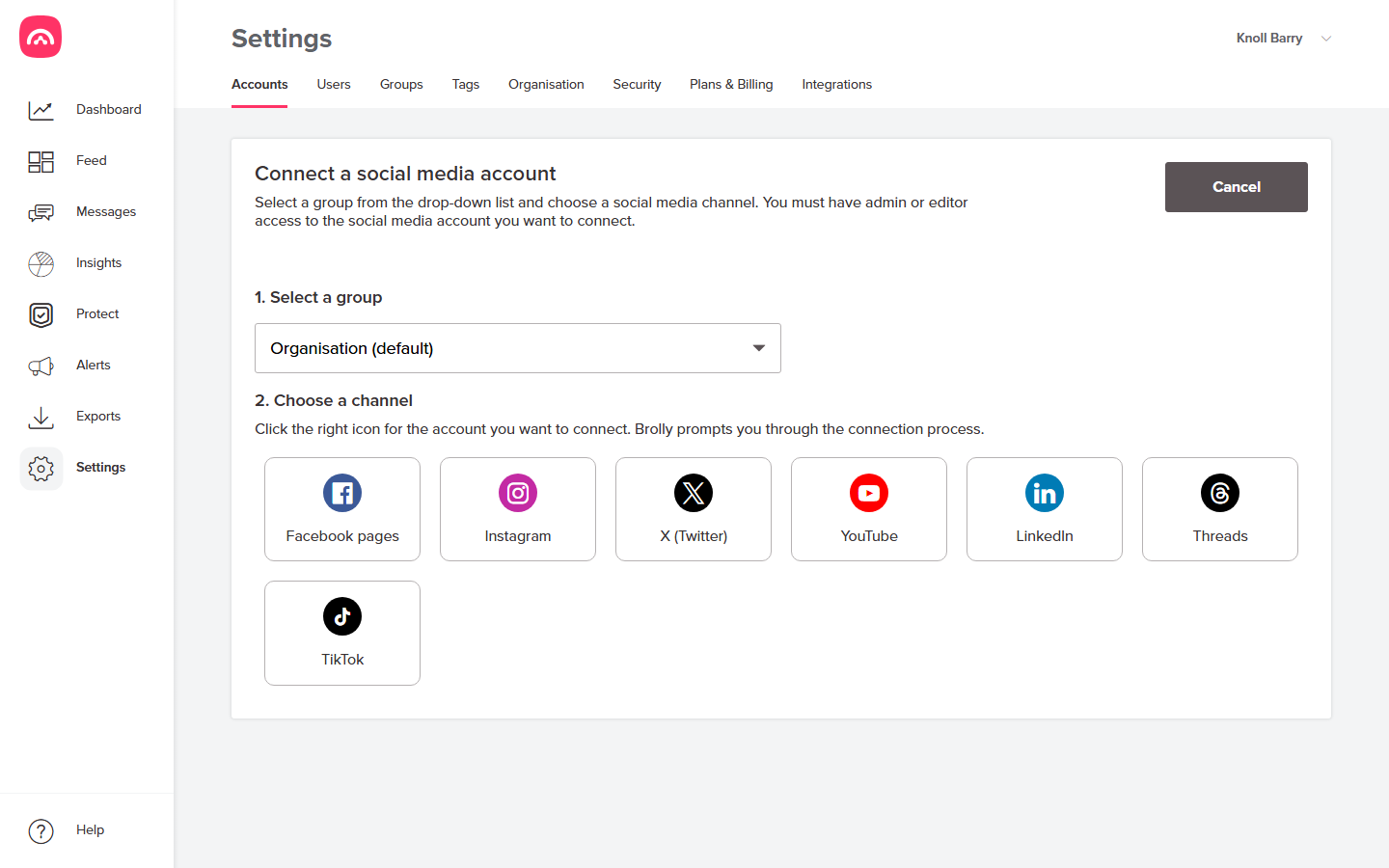
- Go to Settings → Accounts and click Add accounts.
- Select the group the page belongs to (most organisations use Organisation (default) — see groups).
- Choose Facebook pages. A Facebook sign-in window pops up (allow pop-ups if your browser blocks it):
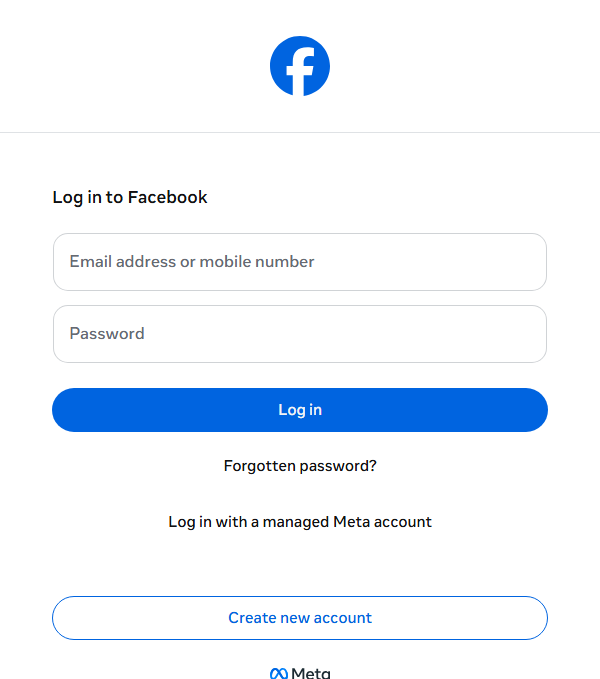
- Sign in with the personal Facebook account that administers the page — not a page email or shared login. Facebook then walks you through granting Brolly read-only access.
- Pick the page(s) to connect and confirm. The pop-up closes and you're back in Brolly.
Afterwards
The page appears under Settings → Accounts with status Active, and records start landing in your Feed. Facebook expires access tokens periodically — if the page's status later shows On hold, reconnecting takes a minute.
Was this article helpful?