 Brolly
 Where do I find Settings in Brolly?
Settings lives at the bottom of the left sidebar and holds eight tabs covering accounts, users, groups, tags and billing — if you can't see it, it's a permissions matter.
Settings is an item in the left-hand sidebar of Brolly, alongside Dashboard, Feed, Messages, Insights, Protect, Alerts and Exports. It's where your organisation's Brolly configuration lives.
What's inside Settings
Settings is organised into tabs:
- Accounts — connect, reconnect and manage your social media accounts. This is also where you check an account's status (Active or On hold).
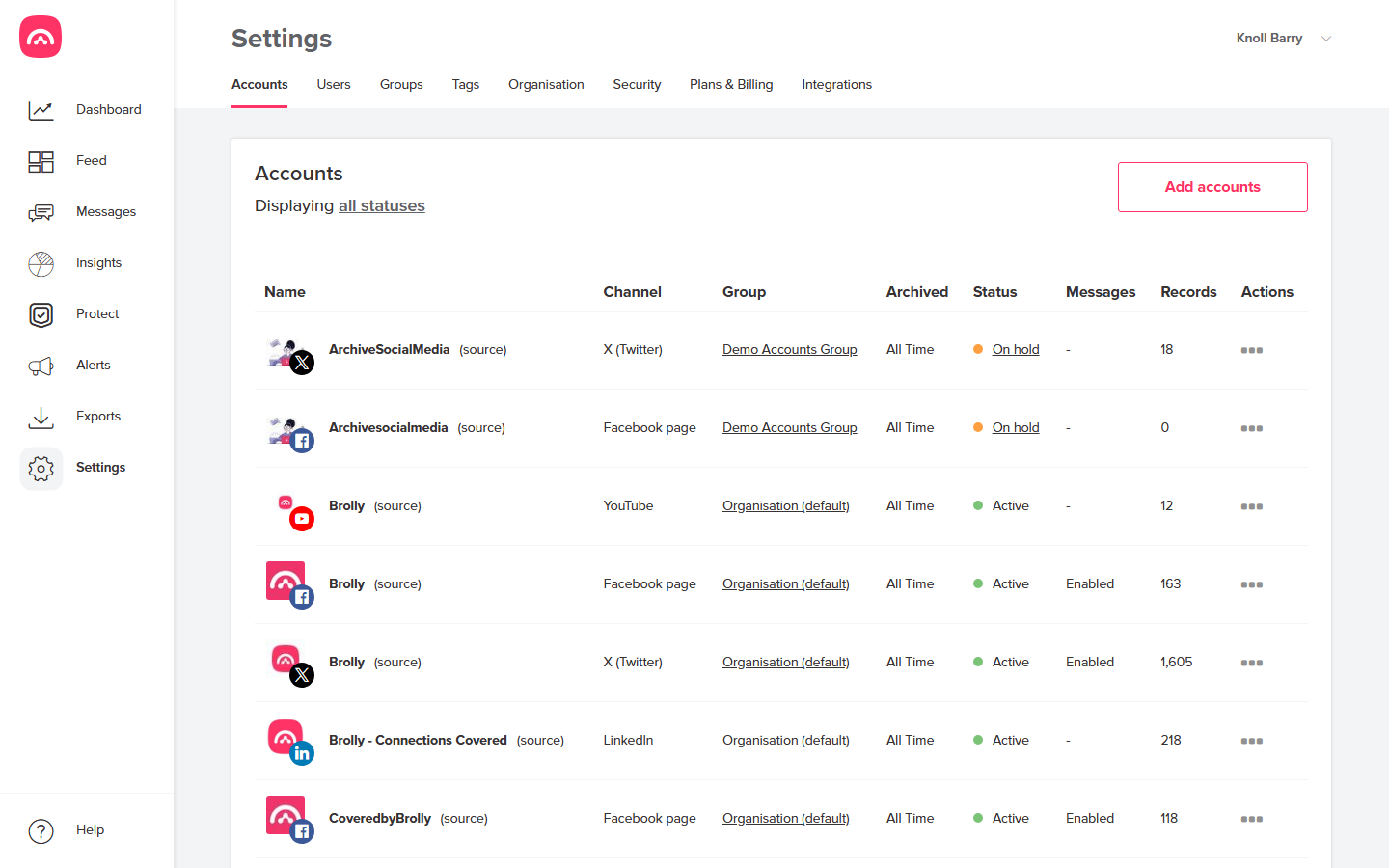
- Users — invite team members and manage who has access.
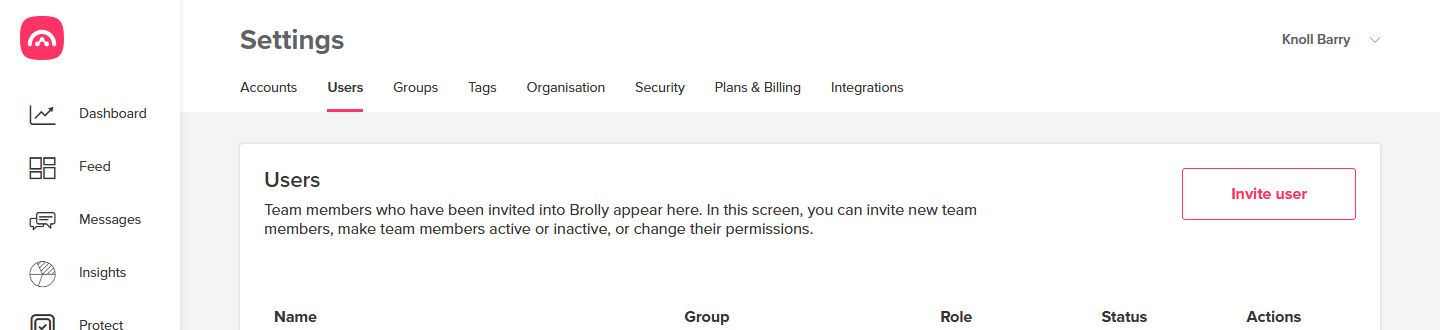
- Groups — organise accounts and users into groups.
- Tags — create and manage the tags used to categorise records.
- Organisation — your organisation's details.
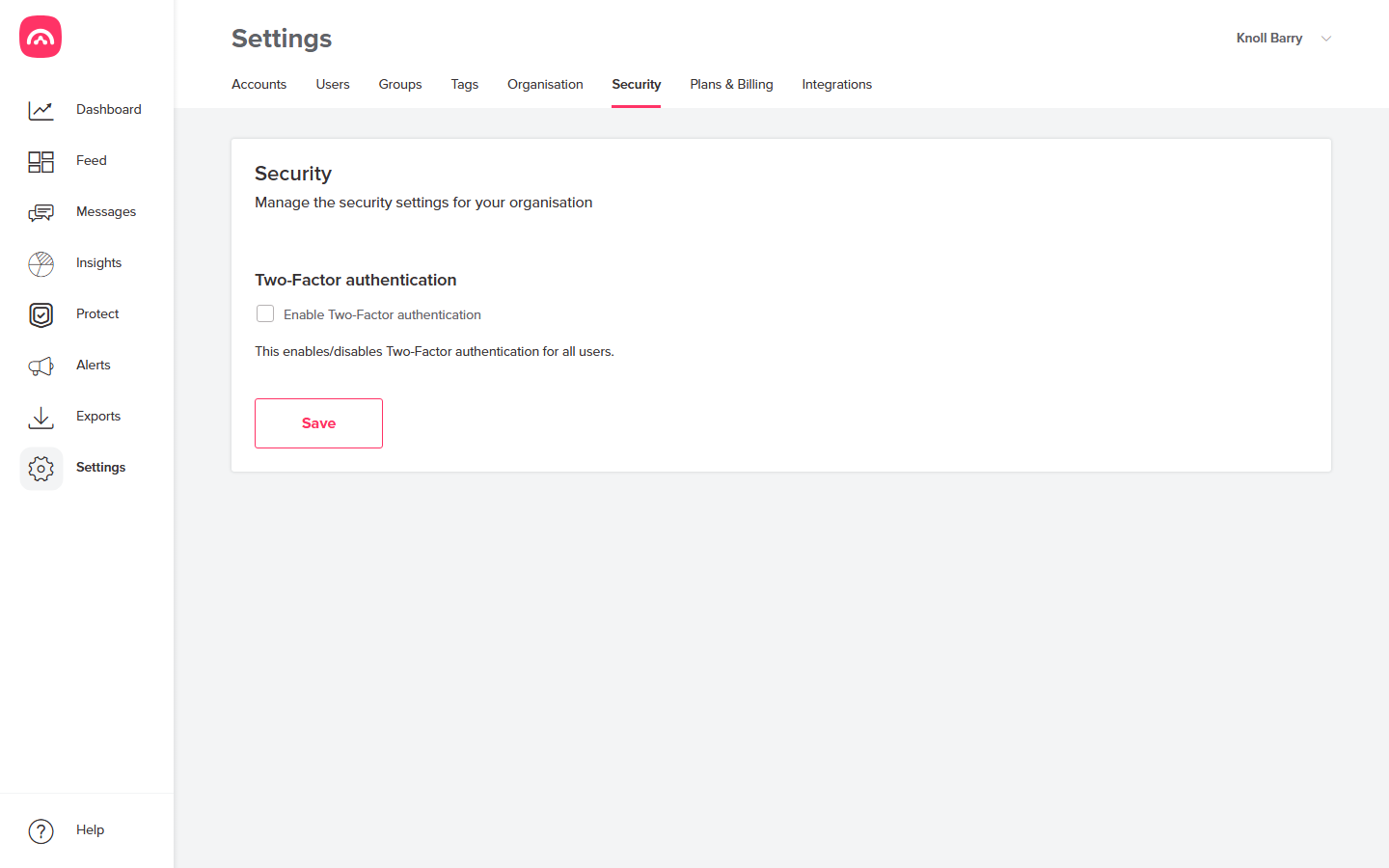
- Security — security options for your Brolly account, including the organisation-wide two-factor authentication toggle.
- Plans & Billing — your subscription and invoices.
- Integrations — connections to other systems.
Why you might not see Settings
Access to Settings is role-based. Brolly's roles are Owner, Group owner and View only — and View only users don't manage settings, so the Settings item won't appear for them. If you can't see Settings and believe you should, ask your organisation's Brolly owner to check your role, or see I can't see the Settings tab for troubleshooting steps.
For a full explanation of what each role can do, see Users, roles and permissions. And if you're ever stuck, the Help link at the bottom of the sidebar — or an email to support@brolly.com.au — will get you sorted.