 Brolly Help
Hootsuite integration
View your Brolly archive from inside Hootsuite — tag records, add notes and check record details without leaving your publishing tool.
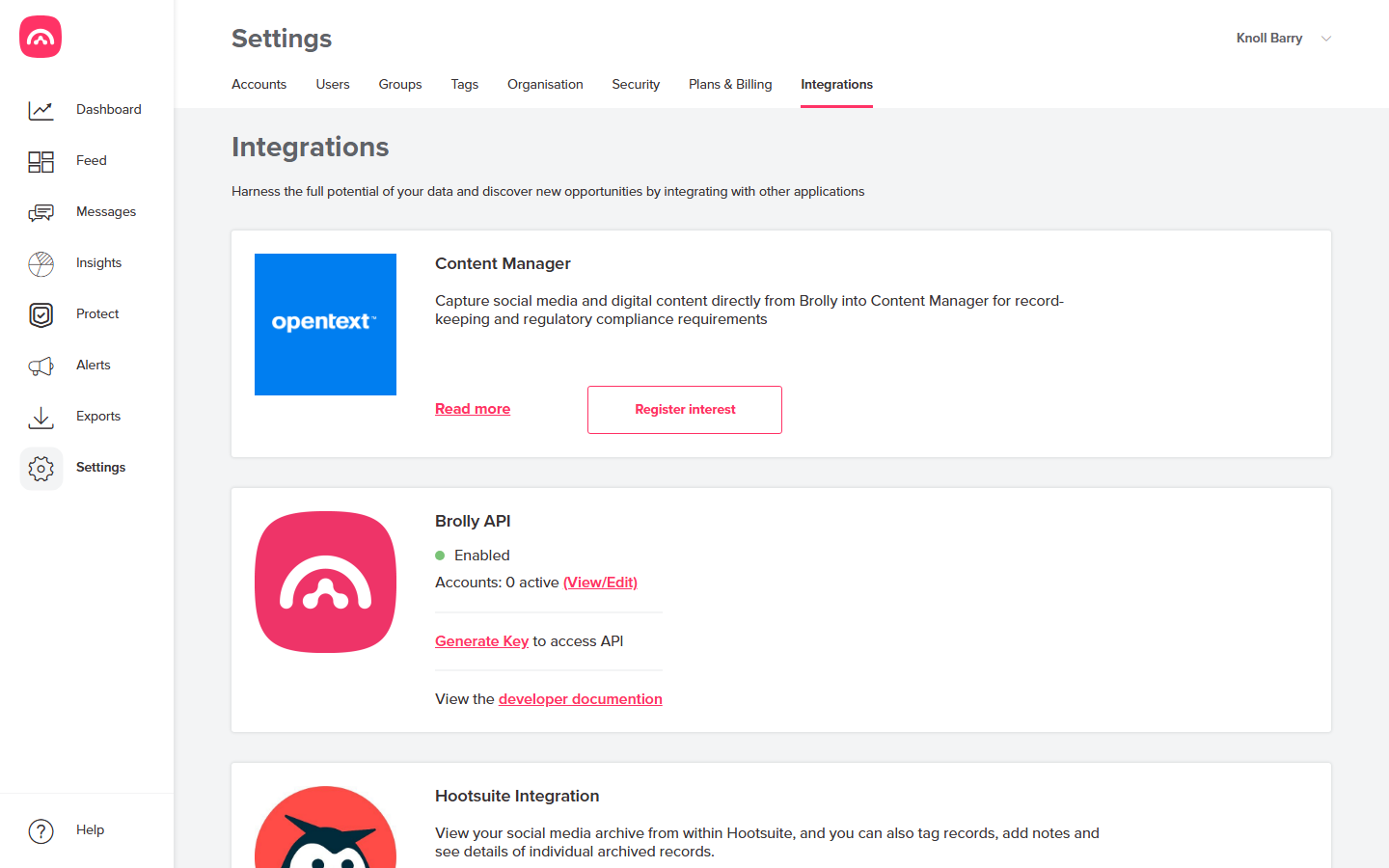
If your social media team lives in Hootsuite, the Brolly integration brings your archive to them. You can view your social media archive from within Hootsuite, and also tag records, add notes and see the details of individual archived records — without switching tools.
What you can do from Hootsuite
- Browse the records Brolly has archived for your connected accounts.
- Apply tags to records — case numbers, campaigns, topics.
- Add notes for context your records team will need later.
- Open an individual record's full detail.
Setting it up
Find the Hootsuite Integration card under Settings → Integrations and follow its steps to link your Hootsuite account. If you get stuck, email support@brolly.com.au.
Archiving itself doesn't depend on Hootsuite — Brolly captures your accounts directly either way. The integration is purely a convenience for teams working in Hootsuite day to day.
Was this article helpful?