 Brolly Help
Your profile & password
Update your personal details and change your password from the Profile screen.
Your personal details in Brolly live under Your profile — open it from your name at the top right of the app.
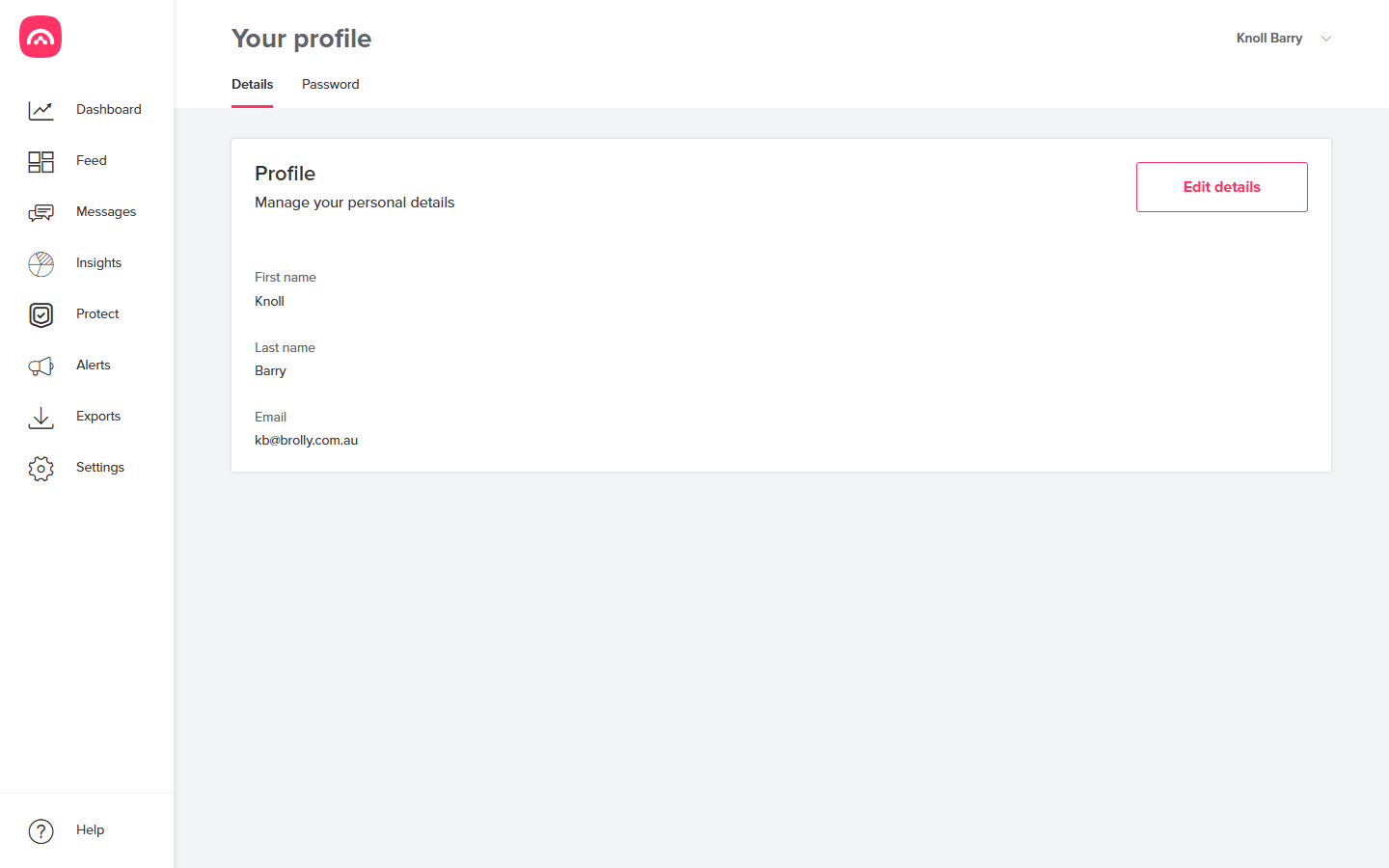
Details
The Details tab shows your first name, last name and the email address you sign in with. Click Edit details to update your name. Your email is your Brolly identity — if it needs to change (say you've changed departments), ask your organisation's Brolly owner or email support@brolly.com.au.
Password
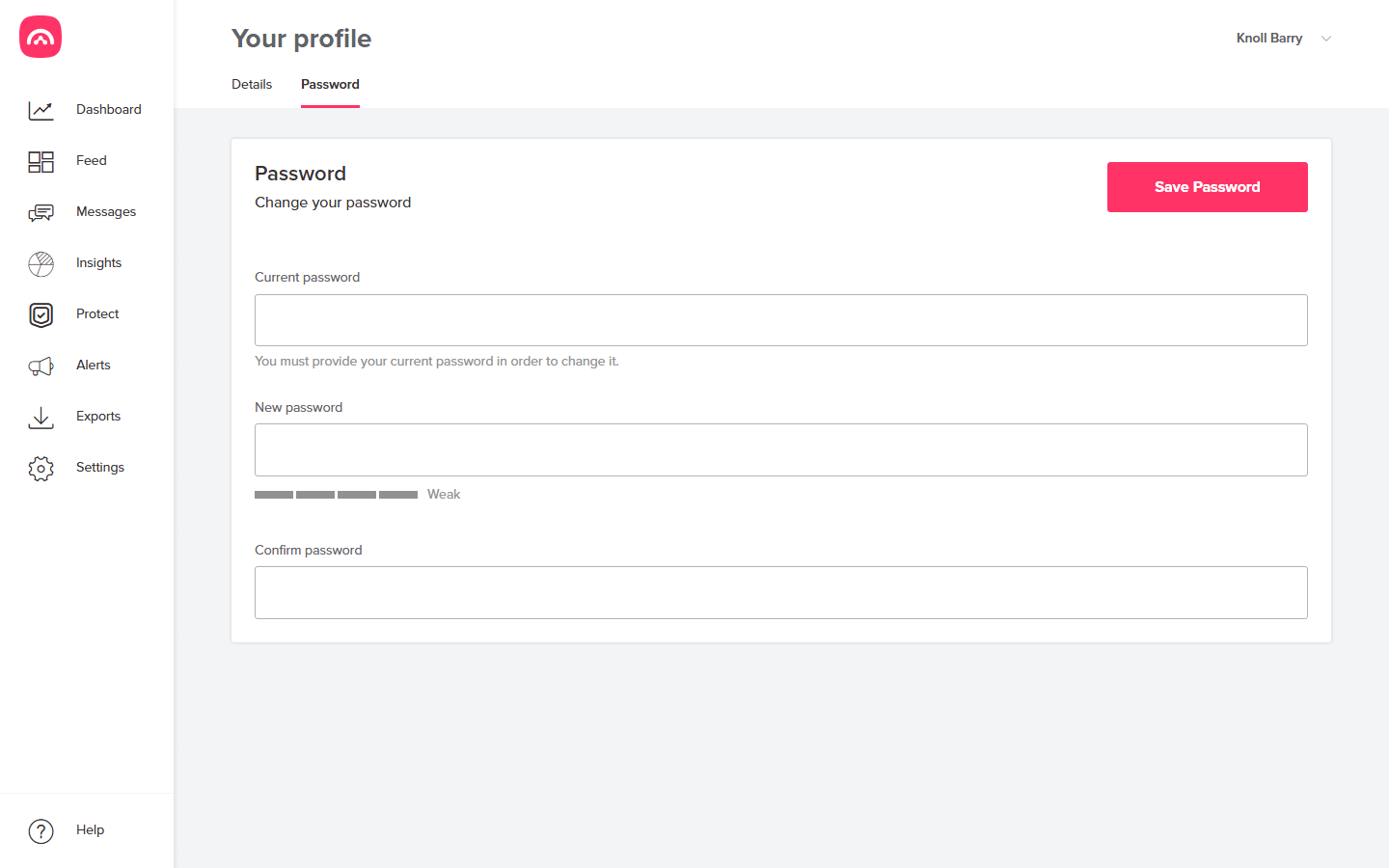
The Password tab is where you change your password. Pick something long and unique — and if your organisation has two-factor authentication enabled, you'll also confirm sign-ins with a second factor.
Not your settings?
Organisation-wide settings — accounts, users, groups, billing — live under Settings and are managed by users with the right role.