 Brolly Help
Organisation settings — name & timezone
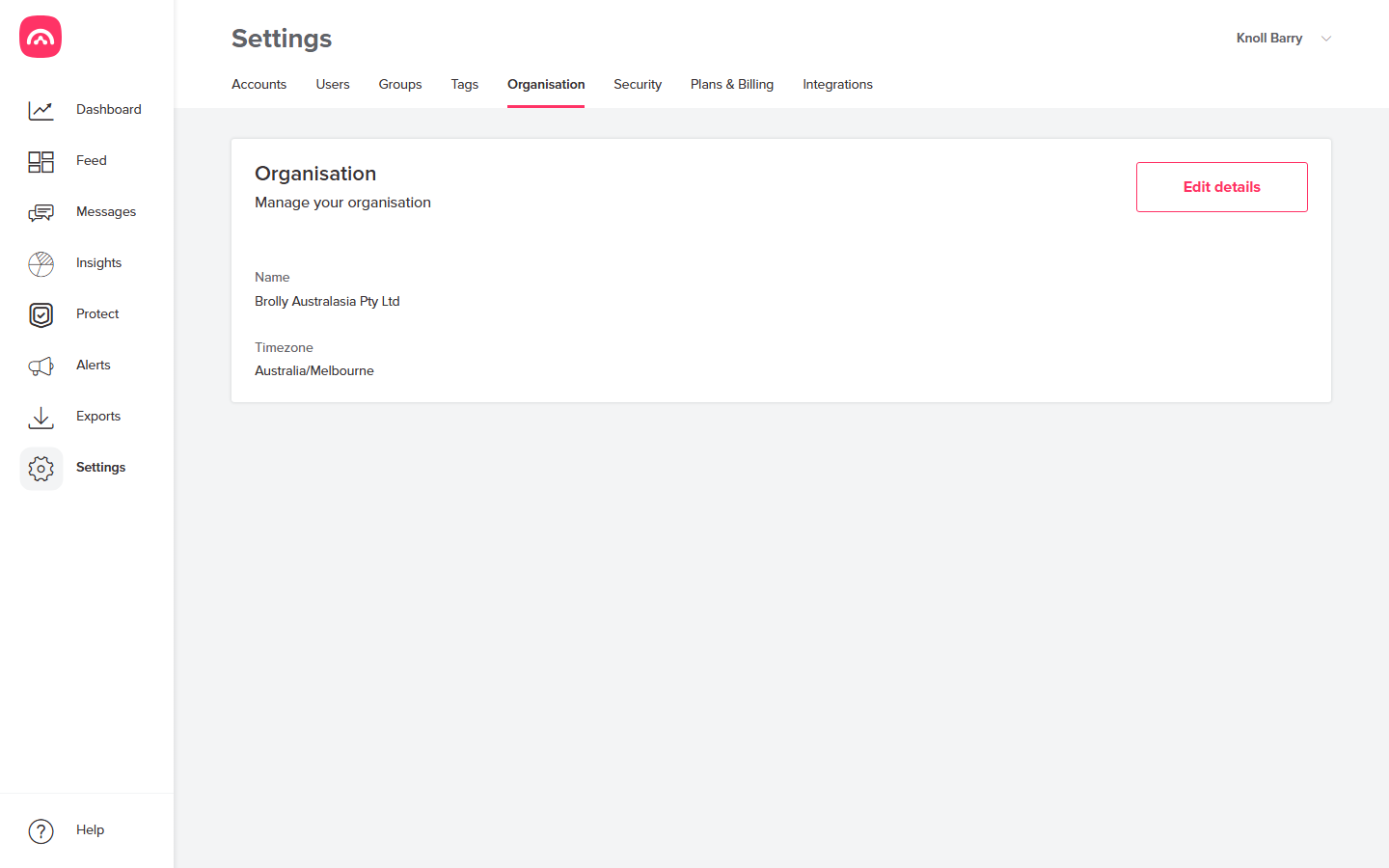
Set your organisation's display name and timezone under Settings → Organisation.
Settings → Organisation holds your organisation-wide details.
What you can set
- Name — how your organisation appears in Brolly, including the organisation switcher at the top right.
- Timezone — the timezone your organisation operates in.
Click Edit details to change either.
Why the timezone matters
Record timestamps are the backbone of a compliant archive — when you're responding to an FOI request or reconstructing a timeline, "when was this posted?" needs an unambiguous answer. Setting the correct timezone keeps the times you see in the Feed and in exports aligned with your local records.
Only users with the right permissions can change organisation settings — if you can't see the Settings tab at all, see this guide.
Was this article helpful?