Integrations
Connect Brolly to OpenText Content Manager, to Hootsuite, or to your own systems through the Brolly API — what each integration does and how to register interest.
Overview
Integrations let your archived records flow into the other systems your organisation uses. Settings → Integrations lists the three integrations Brolly offers, each with a short description, a Learn more link and a Register interest button. Integrations are optional add-ons that the Brolly team enables for your organisation. Until one is enabled, the page only lets you register interest; once enabled, its card gains the controls described under When an Integration Is Enabled. Social media accounts are not connected here — they are managed under Accounts.
How to Get There
- Click Settings in the left sidebar
- Click Integrations beneath it
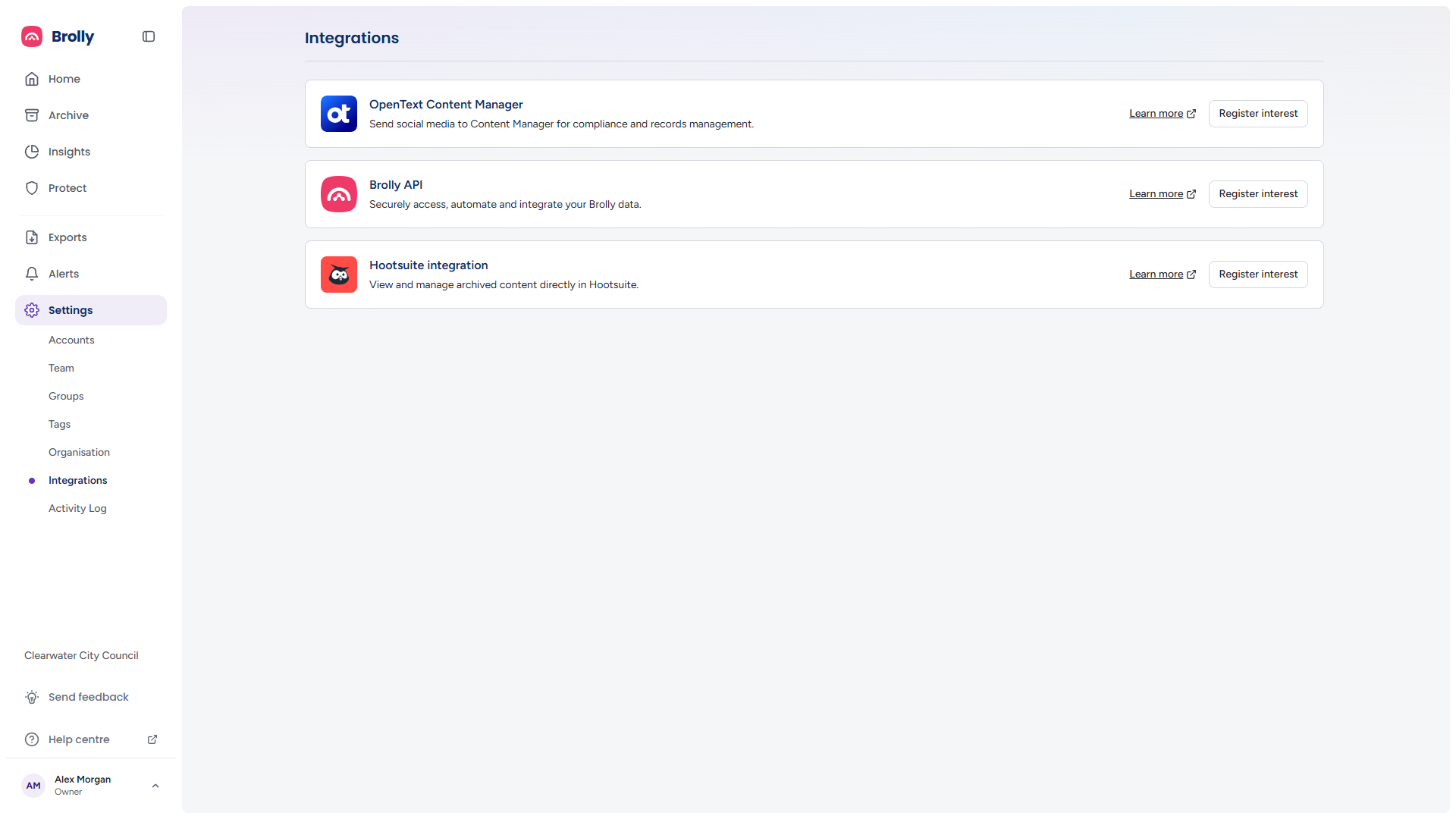
If the page cannot load it shows Unable to load integrations with a Retry button.
The Integration Cards
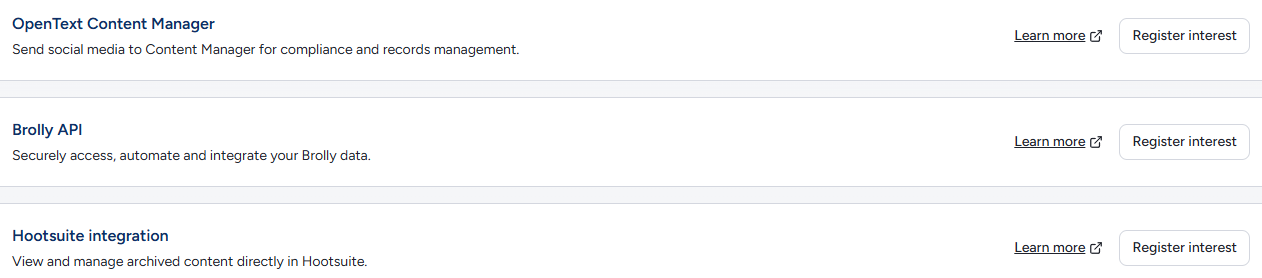
Each card has the same two controls:
- Learn more — opens a page about the integration in a new tab (the small arrow beside it marks the external link)
- Register interest — lets the Brolly team know you want it. The button is replaced by an Interest registered badge straight away; if the request could not be sent, the button returns with a short error beneath it. The team will confirm the details with you and enable the integration for your organisation
When an Integration Is Enabled
An enabled integration's card shows its status and the settings the other system needs:
- Its access key, with a control to copy it and one to regenerate it. Regenerating issues a new key and invalidates the old one, so anything already connected with the old key stops working until it is updated — coordinate with whoever runs the other system before you regenerate
- For the API and Content Manager integrations, which accounts the integration may read, and whether that covers the feed (posts and comments), messages, or both. Save after changing the selection
Treat the key like a password: do not paste it into tickets, screenshots or emails. The developer setup guide for each integration is supplied by the Brolly team when it is enabled — email support@brolly.com.au if you need it again.
OpenText Content Manager
"Send social media to Content Manager for compliance and records management." For organisations that use OpenText Content Manager (often still called TRIM) as their enterprise records management system, where policy says social media records belong there as well as in Brolly.
What you get once it is enabled:
- Records captured by Brolly are synced into your Content Manager instance as individual records, rather than a bundled export file
- You choose the sync model — manually select the posts and comments to send, or have new records synced automatically as Brolly captures them
- Synced records are kept current as new comments and changes arrive
- You decide where the social media records sit in your Content Manager structure
Automatic sync covers records from the point it is switched on; historical records can be brought across with a standard export instead. After you register interest, the Brolly team follows up with questions about your Content Manager instance and your preferred sync approach, then provides the documentation your team needs to configure the connection.
Brolly API
"Securely access, automate and integrate your Brolly data." For organisations that want archived records flowing into their own systems — a records platform, a data warehouse, a dashboard.
What you get once it is enabled:
- An API key for your developers, scoped to the connected accounts you choose
- Developer documentation covering authentication and the available endpoints
Treat the API key like a password: anyone holding it can read the records it is scoped to. Use the API for recurring, automated delivery into another system; for one-off bundles for an FOI request or audit, a standard export is simpler — see Exports.
Hootsuite integration
"View and manage archived content directly in Hootsuite." For social media teams that work in Hootsuite day to day.
What you get once it is enabled, from inside Hootsuite:
- Browse the records Brolly has archived for your connected accounts
- Apply tags to records — case numbers, campaigns, topics
- Add notes for the context your records team will need later
- Open an individual record's full detail
Archiving itself does not depend on Hootsuite — Brolly captures your accounts directly either way. The integration is purely a convenience for teams working in Hootsuite.
Tips
For a one-off transfer of records to another system, an export may be simpler than an integration — see Exports.
Integrations are add-ons on top of your plan — see Your Plan, Trial and Add-ons.
Questions about an integration, or a system not listed here? Contact support@brolly.com.au.